Top QA Tools Every Engineer Should Know
You open a QA job listing on LinkedIn Nepal. One listing asks for Selenium and JIRA. The next asks for Cypress, Postman, and TestRail. A third asks for all five plus JMeter and GitHub Actions.
Most beginners try to learn all of them at the same time. They end up spending three months switching between tutorials, knowing six tools at 20% depth each, and walking into interviews unprepared.
The fix is simple: know which category each tool belongs to, what problem it solves, and which ones Nepal's IT companies actually hire for right now.
This guide covers every major QA tool by category, compares the top options head-to-head, and gives you a clear order for learning them. If you are starting from zero, the QA career guide maps the full path from beginner to first job, including when to add each tool to your skill set. If you want structured, hands-on practice with all of them on real projects, Skill Shikshya's Quality Assurance course covers them in a practical sequence with placement support for Nepal's IT market.
Why Tool Categories Matter More Than Tool Names
Before you learn a single tool, understand what problem it solves.
A hammer and a drill are both construction tools. They solve different problems. Using one for the other's job wastes time. QA tools work the same way.
Every QA engineer works with tools across six categories. You do not need all of them on day one. But knowing which category a tool belongs to helps you decide what to learn next.
The six categories this guide covers:
| Category | What It Does |
|---|---|
| Test Management | Plan test cases, track bugs, generate coverage reports |
| Web Automation | Write scripts that test your app in a browser |
| API Testing | Validate the backend through HTTP requests |
| Performance Testing | Simulate many users to find speed limits |
| Mobile Testing | Automate tests on Android and iOS devices |
| CI/CD Integration | Run tests automatically on every code push |
Understanding how each category fits into the software lifecycle becomes clearer once you read the SDLC vs STLC breakdown. Each tool category maps directly to a phase in the testing lifecycle.
Test Management Tools
Before you run a single test, you need somewhere to plan it, document it, and track the result. That is what test management tools do.
JIRA
JIRA is the most widely used project management and bug tracking tool in Nepal's IT sector. It does not run your Selenium scripts or send Postman requests. But it is where every defect lives once you find it.
Every major company in Kathmandu's IT market uses JIRA or expects you to know it. F1Soft, Leapfrog Technology, Cotiviti, Khalti, eSewa, and nearly every outsourcing firm runs defect tracking through JIRA. If you want to understand what a QA engineer actually does with JIRA day to day, the what is quality assurance guide walks through the full scope of the role.
Best for: Every QA engineer at every level.
Pros:
- Recognized by virtually every Nepal IT company; knowing it opens doors at all experience levels
- Free tier handles bug tracking and basic project management for individual engineers
Cons:
- No native test case execution built in; needs Zephyr, Xray, or TestRail alongside it
- Default reporting is limited; useful dashboards take significant configuration work
TestRail
TestRail manages the test cases themselves. You write test cases in TestRail, organize them into test runs, execute them, and track pass/fail results in one place. It connects to JIRA so defects link directly back to the test cases that caught them.
TestRail also integrates with Selenium, Cypress, Playwright, and most major CI/CD tools. As your automation suite grows, TestRail grows with it.
Best for: Mid-level and senior QA engineers managing large test suites across multiple sprints.
Pros:
- Clean test case management with pass/fail tracking, test run planning, and coverage reports in one place
- Integrates with Selenium, Cypress, Playwright, JIRA, and most CI/CD tools without friction
Cons:
- $36 per user per month adds up quickly for larger QA teams
- Test suites grow messy fast without a clear naming convention set up from day one
Zephyr by SmartBear
Zephyr lives inside JIRA as a plugin. No separate login. No context switching. Your test cases and defects live in the same tool.
If your company is already on JIRA and does not want a second platform to manage, Zephyr is the simplest way to add proper test case management.
Best for: JIRA-native teams that want test management without adding a second subscription.
Pros:
- Lives inside JIRA natively; no context switching between bug tracking and test case management
- Lower entry cost than TestRail for teams already paying for JIRA
Cons:
- Reporting is less detailed than TestRail; complex coverage analysis requires more manual work
- Completely dependent on JIRA; moving off JIRA means losing your test management setup entirely
Web Automation Tools
Web automation tools let you write scripts that interact with your application inside a browser the way a real user would: clicking buttons, filling forms, checking results, without a person doing it by hand each time.
Before picking a tool, it helps to understand what automation can and cannot replace. The manual testing vs automation testing guide explains when each approach is the right call, and why every automation engineer still needs manual testing skills.
Selenium
Selenium is the most widely used open-source web automation framework in the world. It supports Java, Python, C#, JavaScript, Ruby, and Kotlin. It works across Chrome, Firefox, Safari, and Edge. It powers Appium for mobile testing and integrates with every major CI/CD pipeline.
The learning curve is steeper than Cypress. Setting up a proper Page Object Model framework takes longer than writing your first Cypress test. But Selenium's language support and flexibility are unmatched, and the outsourcing companies that drive Nepal's mid-level QA hiring run Java or Python stacks. The majority of automation QA job listings on LinkedIn Nepal list Selenium as a requirement.
Best for: QA engineers targeting Nepal's outsourcing sector, Java or Python teams, and anyone learning automation for the first time.
Pros:
- Supports the most languages (Java, Python, C#, JS, Ruby, Kotlin) and all major browsers including Safari
- The most in-demand automation tool in Nepal's job listings; opens the widest range of mid-level roles
Cons:
- Steeper setup curve than Cypress; Page Object Model framework configuration takes time to get right
- No built-in test runner or reporting; you need TestNG, JUnit, or pytest added to the setup
Cypress
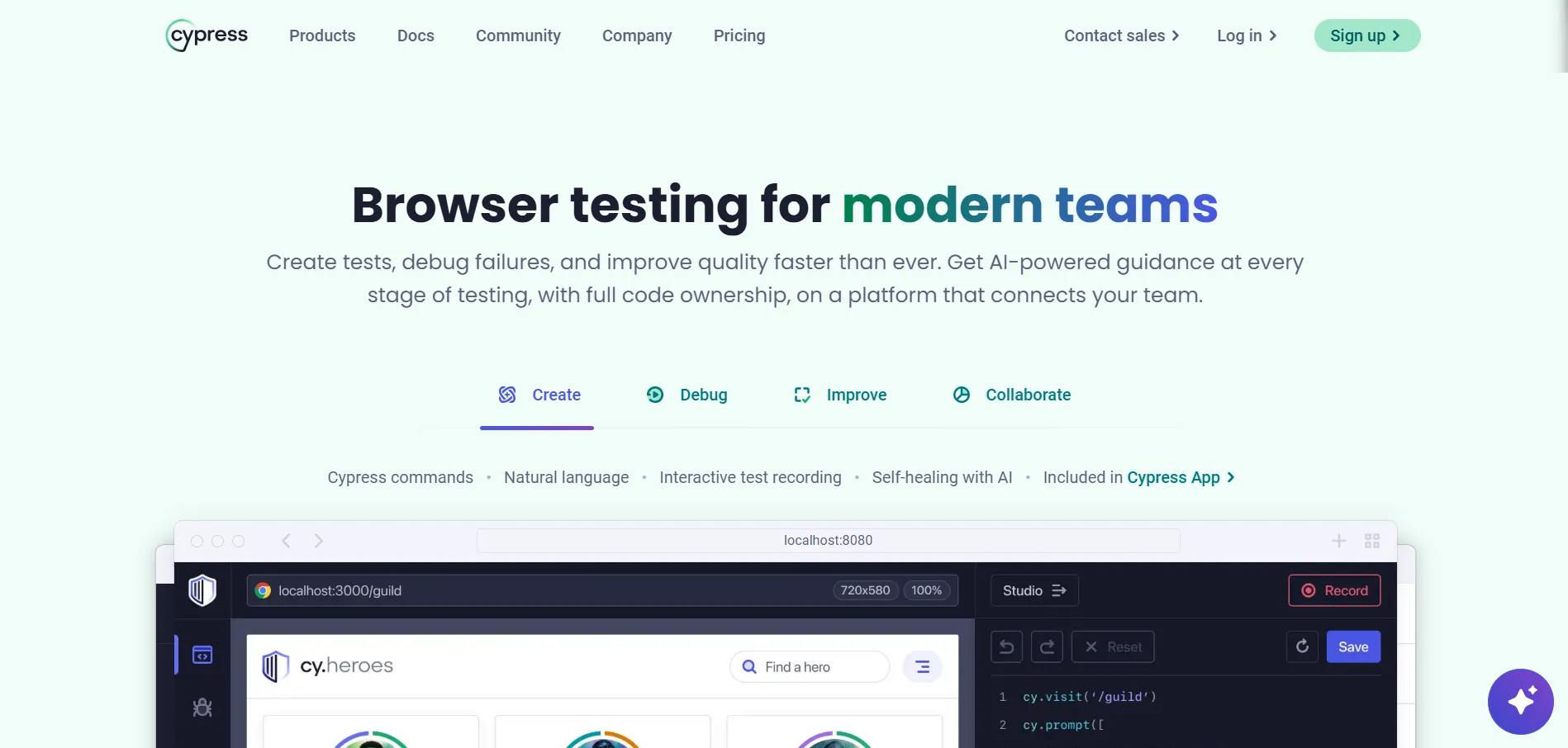
Cypress runs directly inside the browser's JavaScript engine. Tests reload live when you save. Debugging shows you exactly where a test failed. Automatic waiting handles the timing issues that trip up Selenium beginners.
The tradeoff: Cypress only supports JavaScript and TypeScript. It does not natively support Safari. It does not integrate with Appium for mobile. For JavaScript-first product teams in Kathmandu's startup sector, Cypress is a strong fit. For Java or Python shops doing outsourcing work, Selenium is the better hire signal.
The detailed Selenium vs Cypress comparison breaks down speed, browser support, language options, and which Nepal companies actively use each framework.
Best for: Frontend-heavy QA roles at JavaScript-first product companies.
Pros:
- Live browser reload, automatic waiting, and real-time debug output make test writing faster than Selenium
- Setup is significantly faster; first test runs in minutes, not hours
Cons:
- JavaScript and TypeScript only; Java or Python engineers cannot use it without switching language
- No native Safari support and no Appium integration; cross-browser and mobile coverage are limited
Playwright
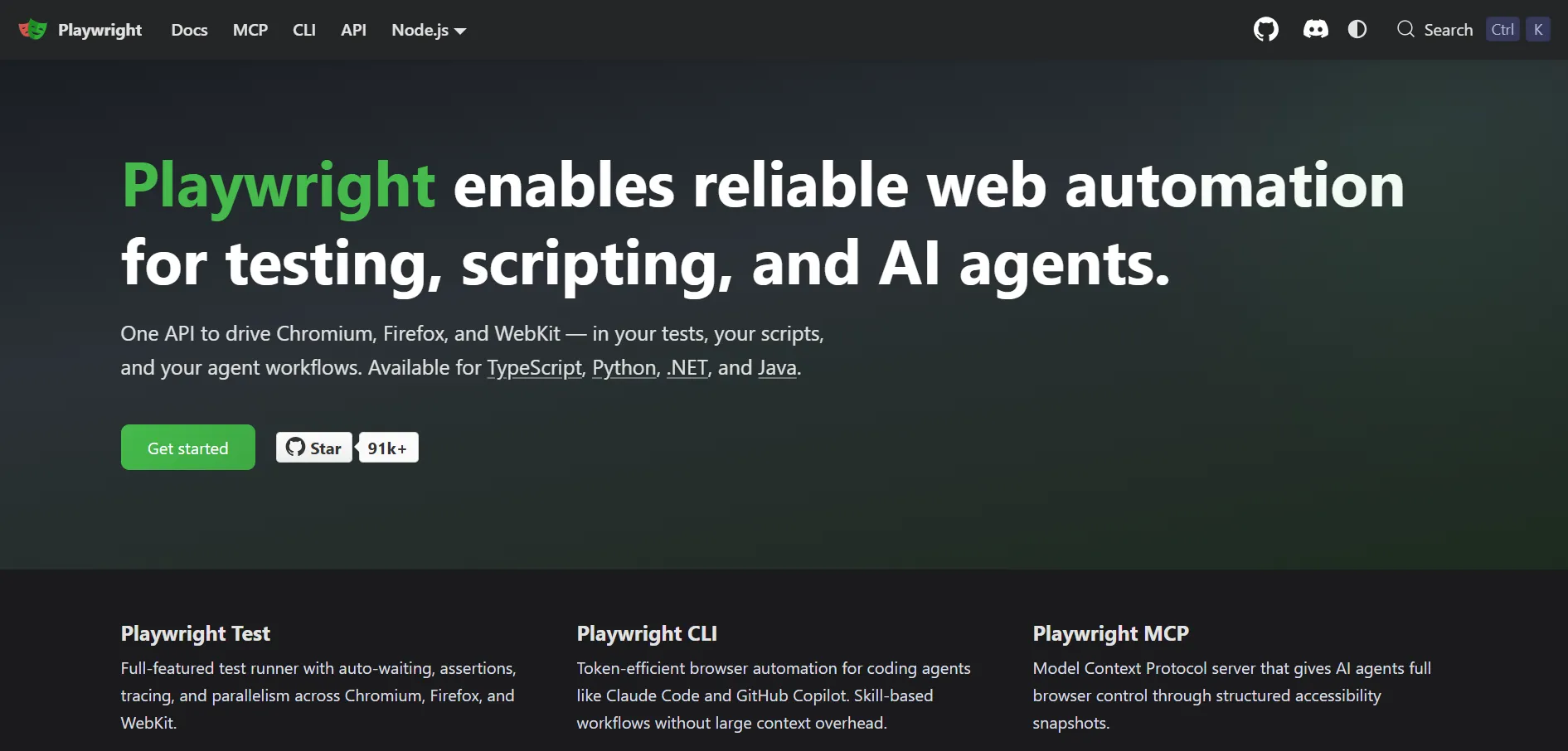
Playwright is Microsoft's modern cross-browser automation framework. It tests natively on Chrome, Firefox, Safari, and Edge without plugins. It handles multi-tab sessions and cross-domain flows better than Cypress. Parallel test runs are faster than Selenium in most benchmark comparisons.
Playwright's adoption in Nepal is growing at product startups and teams building for international clients who require Safari coverage. It is not yet the dominant tool in Nepal's job listings, but it is moving in that direction.
Best for: Teams requiring true cross-browser coverage including Safari, and engineers working on modern product stacks.
Pros:
- Native Chrome, Firefox, Safari, and Edge support without plugins; true cross-browser coverage from one tool
- Handles multi-tab sessions and parallel execution faster than Selenium or Cypress
Cons:
- Smaller community than Selenium; fewer Nepal-specific tutorials and Stack Overflow answers when you get stuck
- Less representation in Nepal's current job listings; you may need to self-teach without workplace guidance
API Testing Tools
API testing tools skip the browser. They send HTTP requests directly to the backend and check whether the responses are correct, the right status codes come back, the right data fields exist, and performance stays within acceptable limits.
API tests are faster than UI tests, more stable, and they find bugs that no amount of clicking through the interface would catch. A 2025 SmartBear survey found teams using API testing reported 40% faster release cycles and 35% fewer critical bugs escaping to production. The API testing with Postman guide covers the full workflow from sending your first request to running automated API regression suites inside a CI/CD pipeline.
Postman
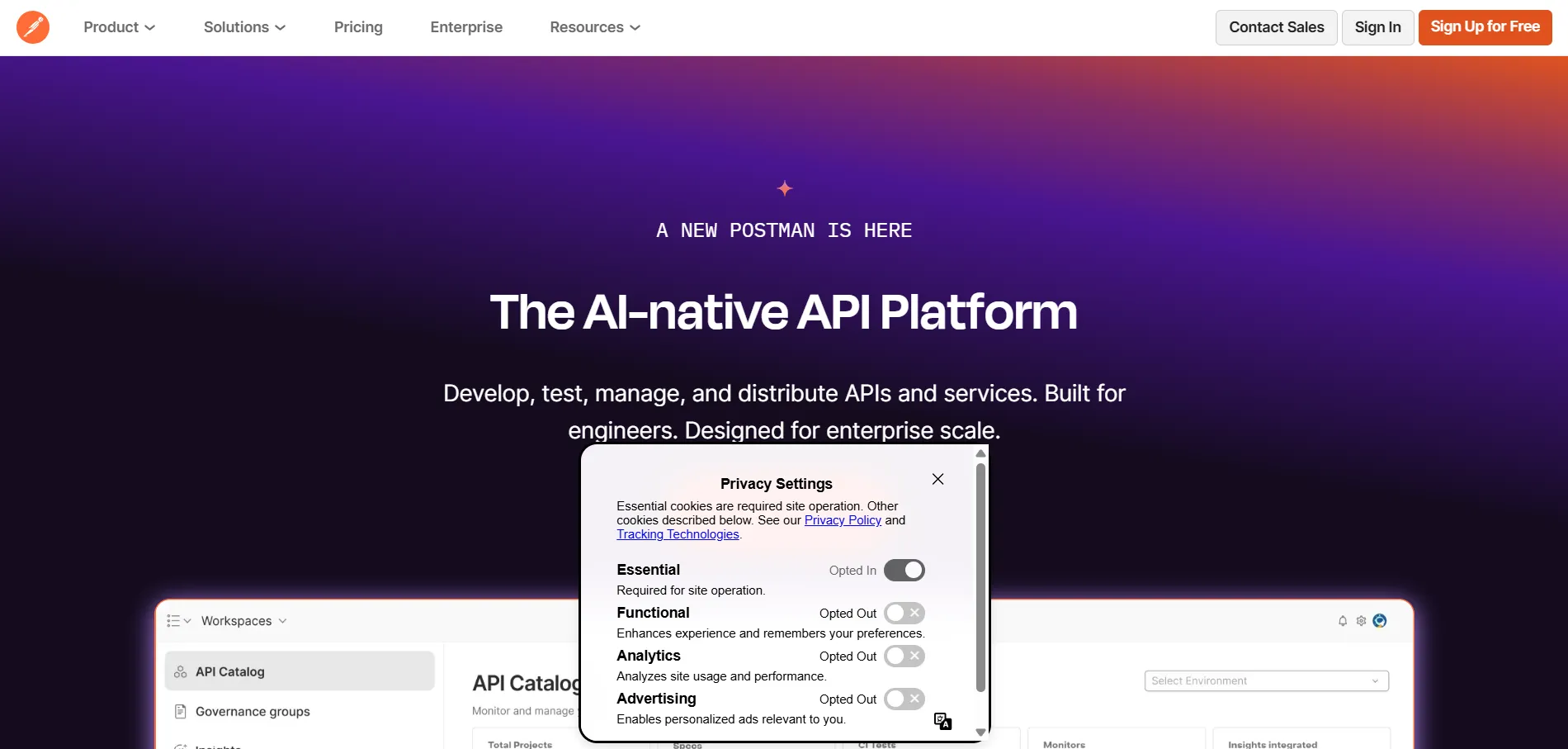
Postman is where most QA engineers learn API testing first, and for good reason. The graphical interface lets you send GET, POST, PUT, PATCH, and DELETE requests with just clicks. Built-in JavaScript snippets let you write test assertions for status codes, response body values, and response times without writing code from scratch.
Postman's collection runner lets you execute an entire API test suite with one button. Newman makes it fully automated.
Best for: Every QA engineer learning API testing, from complete beginners to mid-level engineers building regression suites.
Pros:
- No coding needed to start; first API request and basic assertion runs in under five minutes
- Free tier is complete for individual QA engineers; no paid plan needed to build a full API test suite
Cons:
- Test scripts are JavaScript-only; engineers without JS knowledge cannot write complex assertions without learning it first
- Large collections slow down in the desktop app; heavy suites need Newman from the command line to run reliably
Newman
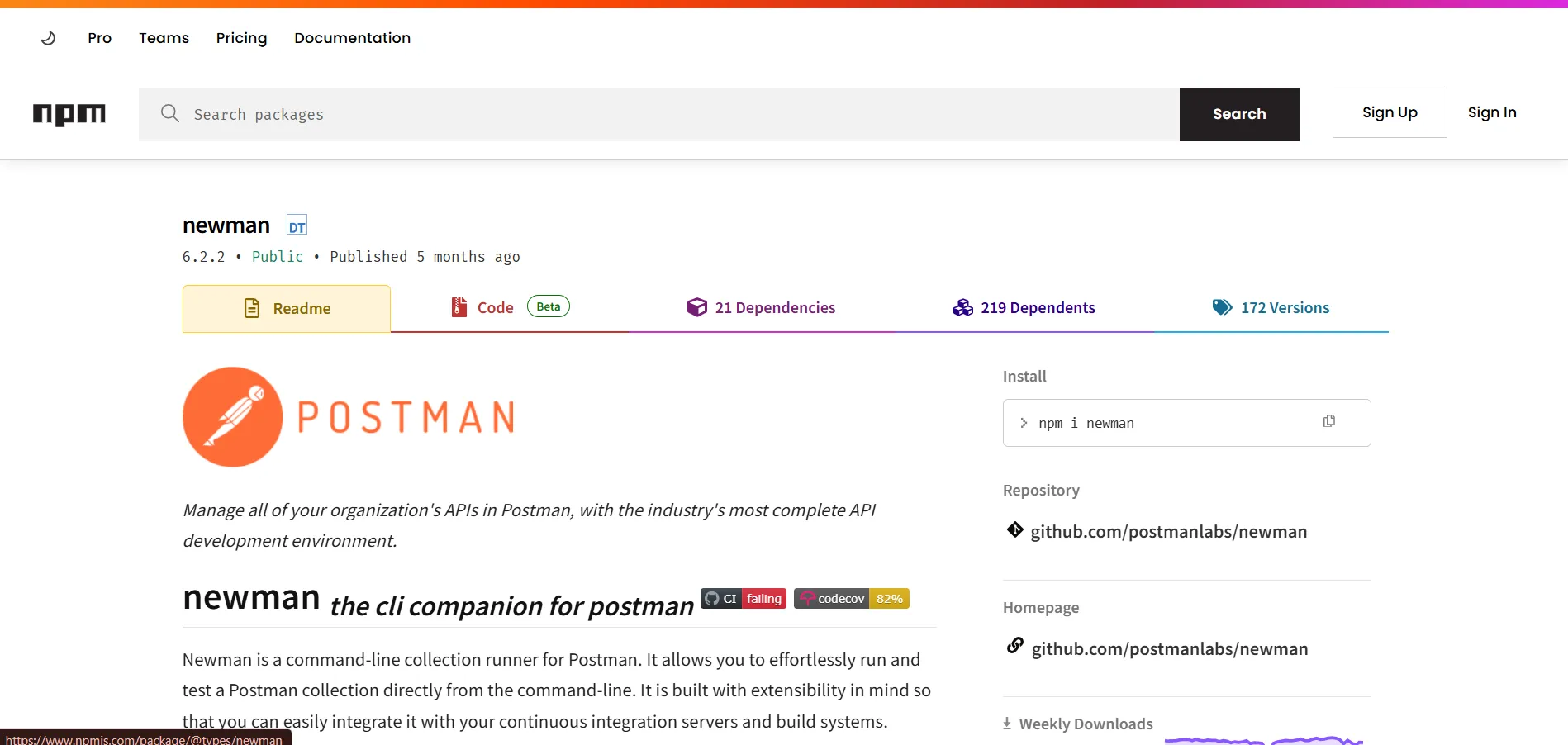
Newman is Postman's command-line runner. You export your Postman collection as a JSON file, then run it from a terminal or a CI/CD pipeline with a single command. According to LeadWithSkills' 2025 API testing research, teams using collection runners save an average of 8 to 10 hours per week previously spent on repetitive manual API checks.
Best for: QA engineers who want their Postman test suites running automatically on every code push.
Pros:
- Runs any Postman collection from the terminal or CI/CD pipeline without opening the desktop app
- Generates HTML reports showing every request, assertion result, and response time in a readable format
Cons:
- Requires Node.js installed on the machine or pipeline runner; teams without Node need an extra setup step
- Error messages are less readable than the Postman desktop interface; debugging a failing run takes more effort
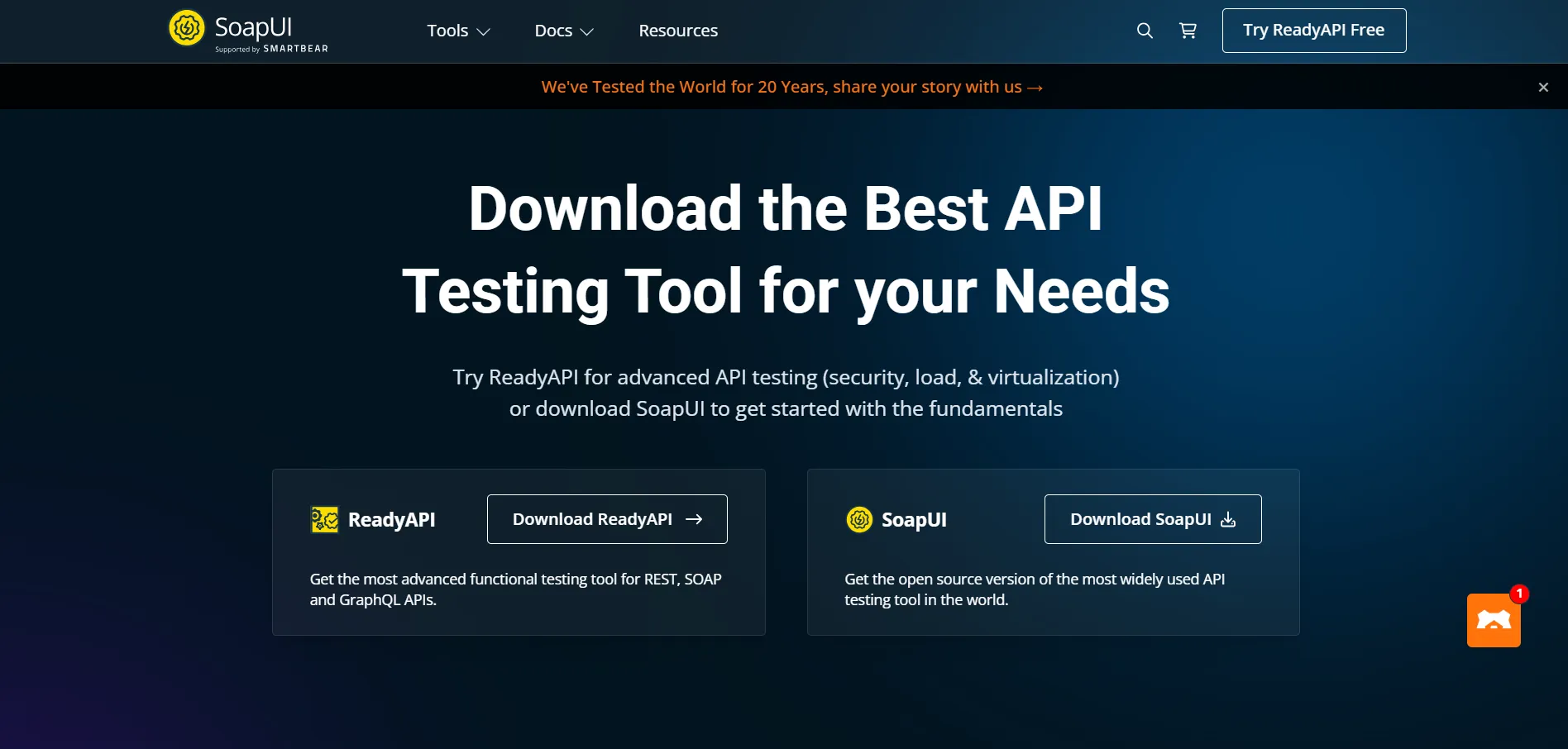
SoapUI
SoapUI is the standard tool for SOAP API testing. Most modern applications in Nepal use REST APIs, not SOAP. But legacy banking systems, healthcare platforms, and some enterprise outsourcing projects still run on SOAP, and SoapUI handles them when Postman falls short.
Best for: QA engineers working with legacy banking or enterprise systems, or outsourcing teams with international enterprise clients.
Pros:
- The standard tool for SOAP API testing; handles XML-based legacy systems that Postman does not support well
- Free open-source version covers most SOAP and REST testing needs without a paid license
Cons:
- Interface feels dated compared to Postman; the learning curve is steeper for engineers new to API testing
- Most Nepal IT companies use REST APIs, not SOAP; SoapUI is only relevant for specific legacy outsourcing work
Performance and Load Testing Tools
Performance testing tools simulate many users hitting your application at the same time. They measure response times, find the load level where things slow down, and identify the point where the system breaks.
Nepal's fintech companies run performance tests before high-traffic periods like Dashain and Tihar when transaction volumes surge sharply. The types of software testing guide explains what load, stress, spike, and endurance testing each measure, and when to run them in the development cycle.
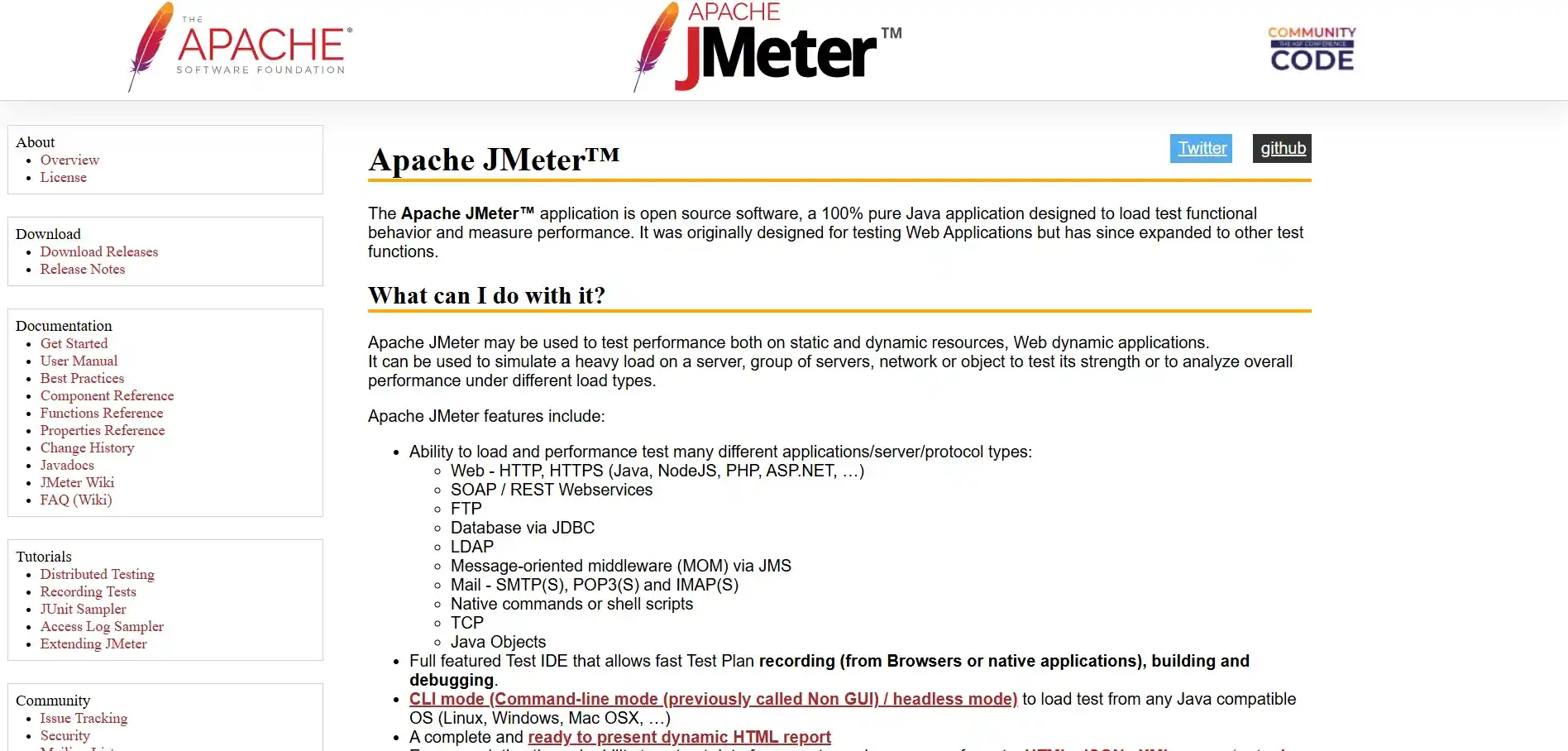
Apache JMeter
Apache JMeter is the most widely used open-source performance testing tool in the world. It simulates concurrent users, measures response times, tracks error rates, and produces detailed reports. It has a GUI for building test plans and a CLI mode for running them inside a CI/CD pipeline.
JMeter appears in the majority of senior and specialized QA job listings in Nepal. eSewa, F1Soft, and Nepal's major outsourcing firms use it for transaction-heavy backend testing.
Best for: QA engineers targeting performance testing roles, fintech companies, and outsourcing projects with SLA requirements.
Pros:
- The most recognized performance testing tool in Nepal's job market; listed consistently in senior QA job descriptions
- Handles load, stress, spike, and endurance testing scenarios all within one free open-source tool
Cons:
- GUI-heavy interface produces results that require interpretation; reading JMeter output is a skill in itself
- Java-based architecture is resource-heavy; large load tests on a local machine require significant RAM
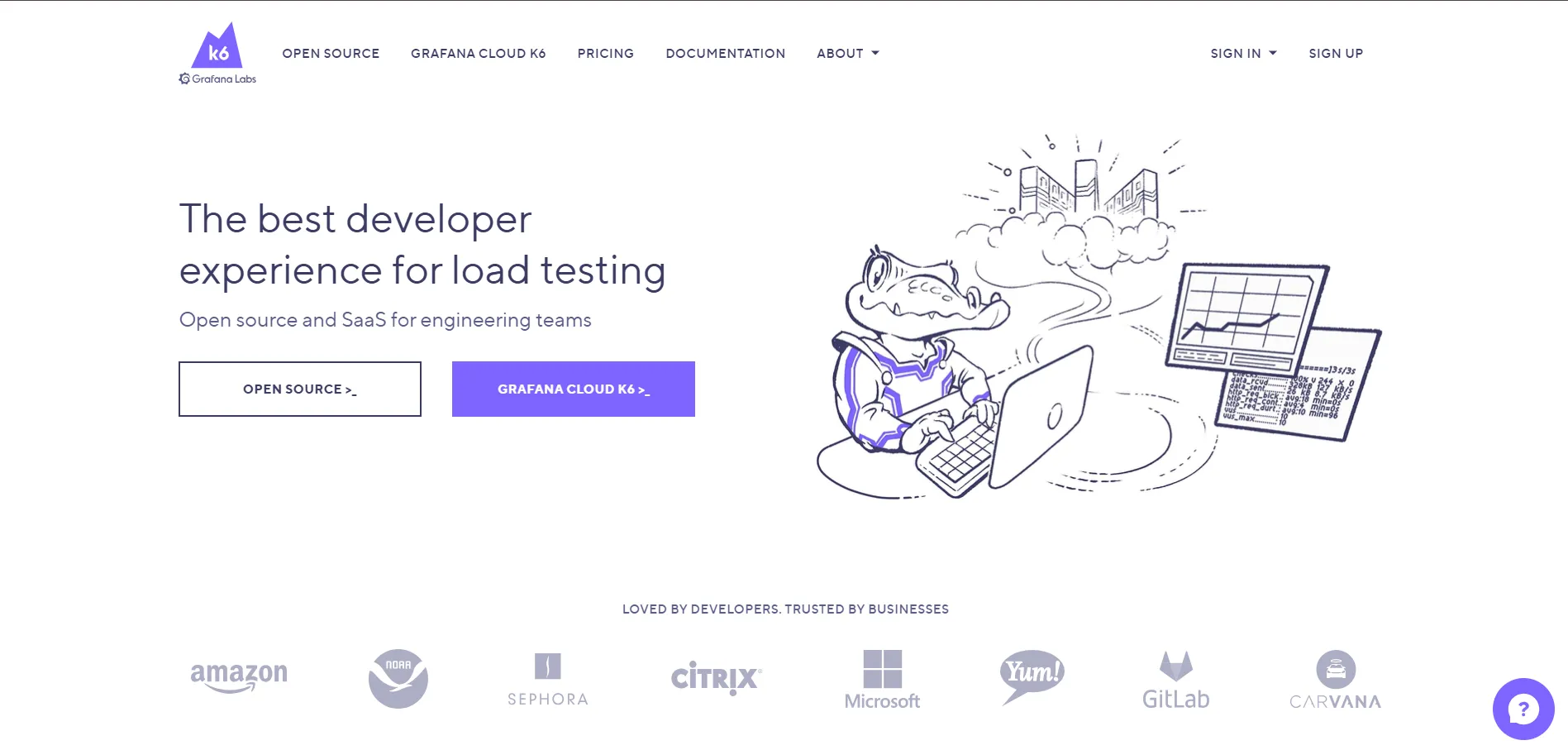
k6
k6 is a modern load testing tool from Grafana Labs. Tests are written in JavaScript. Results appear in real-time output that is easier to read than JMeter's default reports. k6 integrates cleanly with GitHub Actions and produces dashboards that non-technical stakeholders can follow.
k6 adoption is growing at Nepal's product startups and DevOps-heavy teams. It is not yet as common as JMeter in job listings, but it is a strong second tool once you know JMeter.
Best for: JavaScript-first teams, DevOps environments, and engineers working on modern product stacks.
Pros:
- Tests written in plain JavaScript; engineers already on a JS stack can write load tests without learning a new language
- Real-time terminal output is easier to read than JMeter defaults; Grafana integration adds clean visual dashboards
Cons:
- Smaller community than JMeter; fewer Nepal-specific resources and job listings ask for it by name
- Live cloud dashboards and advanced features require a paid plan; the free version output is terminal-only
Mobile Testing Tools
Mobile testing tools automate test cases on real or emulated Android and iOS devices. Nepal is an Android-dominant market. Most mid-range Android device testing at Kathmandu IT companies targets the same device types that the majority of Nepali users actually carry.
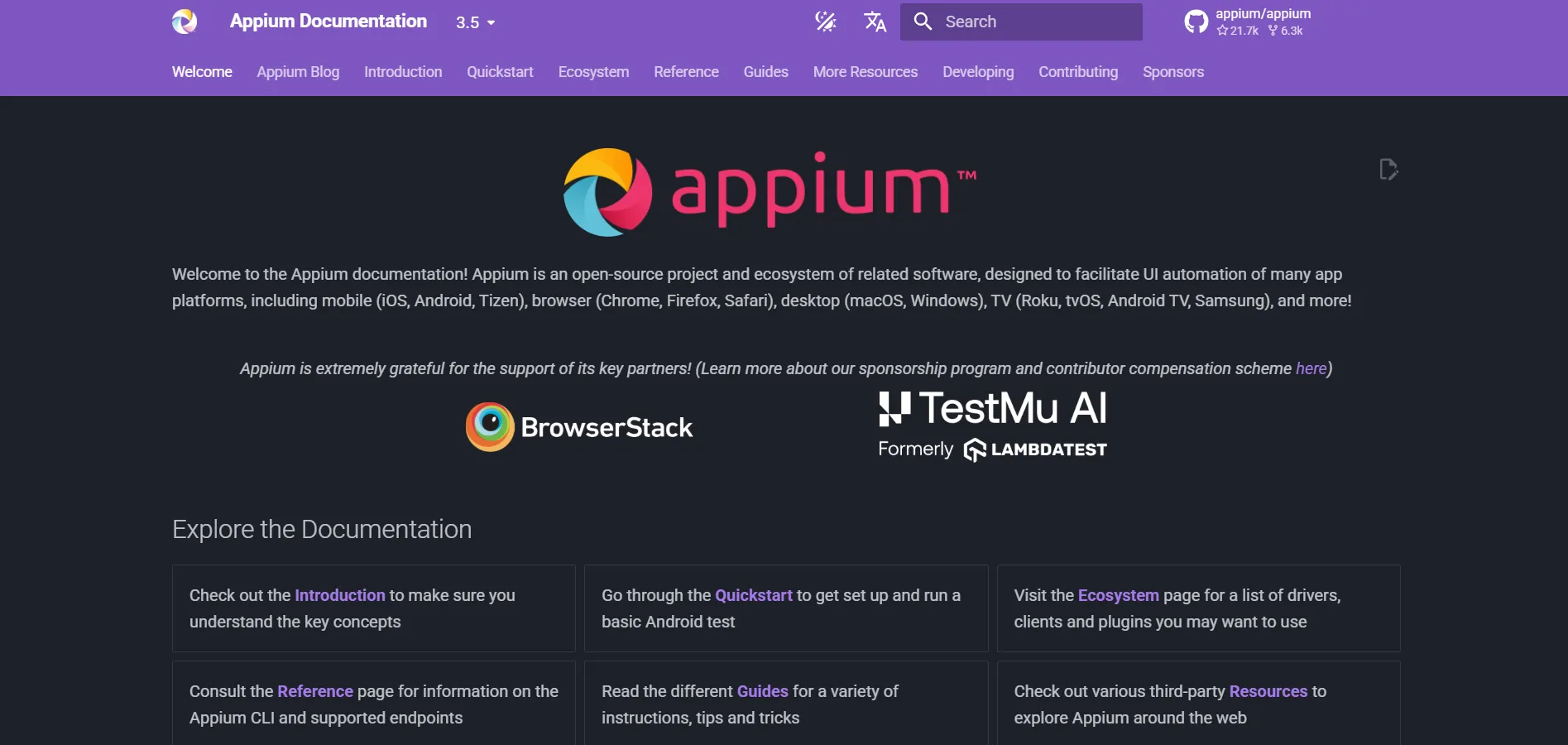
Appium
Appium is the open-source standard for mobile test automation. It uses the same WebDriver architecture as Selenium, so the concepts you already know for web automation transfer directly to mobile. It works on Android and iOS, native apps, and hybrid apps.
Senior QA engineers who can build an Appium framework alongside a Selenium suite are in short supply in Nepal and paid at the upper end of the automation salary range.
Best for: QA engineers adding mobile automation on top of existing Selenium skills.
Pros:
- Uses the same WebDriver architecture as Selenium; existing Selenium skills transfer directly to mobile
- Works on Android and iOS, native and hybrid apps, from a single free open-source framework
Cons:
- Setup is more complex than Selenium; configuring Android SDK, emulators, and Appium Server correctly takes time
- Tests on emulators run slower than real devices and do not always reflect actual device behavior
BrowserStack
BrowserStack is a cloud-based real device testing platform. It gives you access to over 3,500 real Android and iOS devices without owning hardware. You run your Appium, Selenium, Cypress, or Playwright tests on those real devices through the cloud.
For teams that need compatibility coverage across many Android device types and screen sizes without building a device lab, BrowserStack is the practical answer.
Best for: Teams that need cross-device test coverage at scale, and compatibility testing across Nepal's dominant Android device range.
Pros:
- Access to 3,500+ real Android and iOS devices without buying or maintaining any hardware
- Works with Selenium, Playwright, Cypress, and Appium; no need to change your existing test framework
Cons:
- Paid plans are expensive for solo engineers or small teams; free trial covers only limited testing time
- Cloud device tests run slower than local tests; CI/CD pipelines using BrowserStack need longer timeout settings
CI/CD and Pipeline Tools
CI/CD tools run your test suite automatically every time a developer pushes code. A developer merges a pull request. The pipeline fires. Your tests run. If anything fails, the merge is blocked. The team gets feedback in minutes instead of days.
This is the shift-left principle in action: catch bugs earlier, fix them cheaper. The SDLC vs STLC guide explains where CI/CD testing fits within the broader development and testing lifecycle.
GitHub Actions
GitHub Actions is the easiest entry point for QA engineers adding CI/CD to their skill set. You write a YAML workflow file, add it to your repository under .github/workflows/, and your tests run on every push or pull request. The free tier is generous. The documentation is clear and well-maintained.
Most QA engineers learning CI/CD in 2026 start here.
Best for: Beginners learning CI/CD, teams already on GitHub, and anyone building their first automated pipeline.
Pros:
- Fastest CI/CD setup for QA engineers; a working test pipeline runs in under an hour using YAML
- Free tier covers most use cases; public repos get unlimited minutes, private repos get 2,000 free minutes per month
Cons:
- Complex multi-stage pipelines with custom environments hit the limits of what YAML configuration handles cleanly
- Tightly coupled to GitHub; teams on GitLab or Bitbucket need a different CI/CD tool
Jenkins
Jenkins is the most powerful open-source CI/CD server available. It handles complex multi-stage pipelines, custom build environments, and integration with almost every QA tool that exists. The tradeoff is setup time. Jenkins requires a server and more configuration work than GitHub Actions handles automatically.
Vrit Technologies, Leapfrog Technology, Cotiviti, and most of Nepal's large outsourcing firms run Jenkins for production CI/CD pipelines. Senior QA engineers who can maintain and extend a Jenkins setup are hired at the top of the automation salary range.
Best for: Enterprise outsourcing teams, complex multi-tool pipelines, and senior QA engineers targeting architecture-level roles.
Pros:
- Handles complex multi-stage pipelines and integrates with almost every QA tool that exists
- Open-source with no license cost; the plugin ecosystem covers every integration a QA team could need
Cons:
- Setup and maintenance require server administration skills; a junior QA engineer needs DevOps support to configure it
- No managed infrastructure; you host and maintain the server yourself, which adds ongoing operational overhead
Full Tool Comparison: All QA Tools Side by Side
With tools across six categories, it helps to see them all in one place before you decide where to invest your learning time. This table compares every tool on the factors that matter most for Nepal's QA job market.
| Tool | Category | Open Source | Coding Required | CI/CD Support | Nepal Market Demand | Pricing |
|---|---|---|---|---|---|---|
| JIRA | Test Management | No | No | Yes (integrations) | Very High | From $8.15/user/month |
| TestRail | Test Management | No | No | Yes | High | From $36/user/month |
| Zephyr | Test Management | No | No | Yes | Medium | From $5.21/user/month |
| Selenium | Web Automation | Yes | Yes (Java/Python/etc.) | Yes | Very High | Free |
| Cypress | Web Automation | Yes | Yes (JS/TS only) | Yes | Medium | Free |
| Playwright | Web Automation | Yes | Yes (multi-language) | Yes | Growing | Free |
| Postman | API Testing | No (free tier) | Minimal | Via Newman | Very High | Free tier |
| Newman | API Testing | Yes | Some (CLI) | Yes | High | Free |
| SoapUI | API Testing | Yes | Low | Yes | Low (legacy only) | Free / Paid |
| Apache JMeter | Performance | Yes | Low (GUI) | Yes (CLI mode) | High | Free |
| k6 | Performance | Yes (core) | Yes (JS) | Yes | Growing | Free / Paid |
| Appium | Mobile | Yes | Yes | Yes | Medium | Free |
| BrowserStack | Mobile / Cross-browser | No | No | Yes | Medium | Paid |
| GitHub Actions | CI/CD | No (free tier) | Low (YAML) | Yes | High | Free tier |
| Jenkins | CI/CD | Yes | Low (config) | Yes | High | Free (server cost) |
The QA Tool Stack Nepal's IT Companies Actually Use
LinkedIn Nepal listed over 66 active QA openings in June 2026. Here is what those listings ask for at each experience level.
| Role | Tools Required |
|---|---|
| Junior Manual QA | JIRA, TestRail, basic Postman |
| QA Engineer | Selenium or Cypress, Postman plus Newman, JIRA, Git |
| Automation Engineer | Selenium with Java or Python, Postman, GitHub Actions or Jenkins |
| Senior QA / Lead | Selenium, JMeter, Playwright, CI/CD ownership, TestRail |
| Mobile QA Engineer | Appium plus BrowserStack, Selenium or Playwright |
Companies actively hiring across these roles include Vrit Technologies, F1Soft, eSewa, Khalti, Leapfrog Technology, Cotiviti, and Fusemachines. Track active openings on Merojob, Jobaxle, LinkedIn Nepal, and KumariJobs.
Which QA Tools Should You Learn First?
You do not need all of these tools before you get your first job. You need the right ones in the right order.
One important rule before you look at the table: learn one tool per category. Do not learn Cypress and Selenium at the same time. Nepal's job market asks for Selenium first. Start there, get employed, then learn Cypress or Playwright on the job. The manual testing vs automation testing guide explains why starting with manual testing before any automation tool gives you a stronger foundation and gets you hired faster.
| Timeframe | Tools to Learn | Role It Unlocks |
|---|---|---|
| Month 1 to 3 | JIRA, TestRail, Postman | Junior Manual QA |
| Month 3 to 6 | Selenium with Java or Python | QA Engineer |
| Month 6 to 9 | Newman, GitHub Actions | QA Engineer with CI/CD |
| Month 9 to 12 | JMeter or Appium, Playwright | Mid-Level or Specialized QA |
| Year 2 and beyond | Jenkins, k6, BrowserStack | Senior QA / Automation Lead |
The full learning sequence with specific skills, certifications, and job targets at each stage is mapped in the QA roadmap guide.
Conclusion
Tools are not the point. Knowing what to test and why is the point. Tools are how you do it faster, more consistently, and at a scale that manual testing alone cannot match.
The right starting stack for Nepal in 2026 is JIRA, Postman, and Selenium. Every other tool in this guide builds on those three. Learn them well, get your first job, then add to your stack based on what the company you join actually uses.
If you want to build these skills with real project labs instead of tutorial videos, the Quality Assurance course at Skill Shikshya covers JIRA, Postman, Selenium, Newman, and GitHub Actions with hands-on work and placement support for Nepal's top IT companies.
Frequently Asked Questions
What is the best QA tool for beginners in 2026?
Which QA tools do Nepal IT companies use the most?
Is Selenium still relevant in 2026?
What is the difference between Selenium, Cypress, and Playwright?
Do I need to know coding to use QA tools?
Which tool should I learn first, Postman or Selenium?
What QA tools are used for CI/CD pipelines?
About Author:

Ms. Sarina Byanjankar is an Associate QA Lead at ITONICS and a dedicated QA Mentor with over five years of experience in driving software excellence. She is passionate about the art of quality assurance, specializing in seamless manual, automation, and API testing to ensure that digital products perform flawlessly across web and mobile platforms.
With a deep technical background in Selenium, Katalon Studio, and Agile methodologies, Ms. Byanjankar has a proven track record of optimizing software performance, including implementing frameworks that reduce testing time by 40%. She enjoys mentoring aspiring engineers to develop a sharp analytical mindset, teaching them how to bridge the gap between technical testing and collaborative communication to deliver truly high-quality user experiences.