Best DevOps Tools to Use in 2026 (Complete Guide) | Skill Shikshya
Software teams that ship fast, stay reliable, and scale without chaos all share one thing in common: a well-chosen DevOps toolchain. In 2026, DevOps tools have evolved far beyond simple automation scripts. Modern engineering teams now rely on interconnected platforms covering version control, CI/CD pipelines, container orchestration, infrastructure as code, observability, and DevOps security tools all working in concert to reduce bottlenecks and accelerate delivery cycles.
Whether you are a developer, a system administrator transitioning into platform engineering, or a student exploring career options in tech, understanding the tools used in DevOps is no longer optional. If you want hands-on, structured training in this space, a DevOps course in Nepal can help you go from foundational concepts to production-ready skills with real-world projects.
This guide covers the most important DevOps tools used by engineering teams globally, how AI is reshaping modern DevOps workflows, and how to build a complete toolchain for a professional DevOps career. If you are still figuring out whether DevOps is the right path for you, start by learning what DevOps is and how it works before diving into the tooling. If you are deciding between a DevOps and a software engineering career, our breakdown of how DevOps and software engineering roles differ in skills and responsibilities can help you make the right call.
What Are DevOps Tools?
DevOps tools are software platforms, cloud services, and automation frameworks that help engineering teams plan, build, test, deliver, monitor, and secure software faster and more reliably than traditional development workflows allow.
Rather than siloing development and operations into separate departments working on different schedules, DevOps tools create a shared pipeline where code moves continuously from a developer's local environment into production with automated checks, approvals, and rollback mechanisms at every stage.
Modern DevOps toolchains help engineering teams:
- Manage source code changes and collaboration
- Automate build, test, and deployment processes
- Provision and manage infrastructure programmatically
- Orchestrate containerized applications at scale
- Monitor system performance and application health in real time
- Detect and remediate security vulnerabilities early in the pipeline
- Track incidents and maintain service reliability
As organizations adopt cloud-native architectures, microservices, and distributed teams, the right combination of DevOps tools determines how fast a product ships and how stable it runs in production.
Why Engineering Teams Need a Complete DevOps Toolchain
A single tool cannot cover the full software delivery lifecycle. Modern applications involve dozens of interconnected systems, services, and environments and each phase of the DevOps lifecycle requires specialized tooling.
The DevOps Lifecycle Has Multiple Phases
Engineering teams need tools that cover:
- Source code management and branching strategies
- Continuous integration and build automation
- Automated testing across unit, integration, and end-to-end layers
- Artifact management and release versioning
- Infrastructure provisioning and configuration management
- Container building, scanning, and orchestration
- Deployment automation and progressive rollout strategies
- Application performance monitoring and log aggregation
- Incident detection, alerting, and post-incident review
- Security scanning throughout the pipeline
Manual Workflows Cannot Scale
Without automation tooling, engineering teams face:
- Slow, error-prone manual deployments
- Inconsistent environments between development and production
- Delayed bug detection that reaches users before QA catches it
- Infrastructure drift caused by manual server configuration
- Security vulnerabilities discovered after code ships to production
Demand for DevOps Skills Is Accelerating in Nepal
The scope of DevOps continues expanding across cloud infrastructure, platform engineering, and AI-assisted development. For professionals in Kathmandu and across Nepal, understanding the tools used in DevOps is directly linked to employment opportunities, salary growth, and the ability to contribute to global remote engineering teams.
Quick Comparison Table of Top DevOps Tools
Compare the most widely used DevOps tools by category and find the right fit for your team or learning path.
| Category | Primary Purpose | Popular Tools |
|---|---|---|
| Version Control | Source code management | Git, GitHub, GitLab, Bitbucket |
| CI/CD | Build, test, and deploy automation | Jenkins, GitHub Actions, GitLab CI |
| Containerization | Application packaging and portability | Docker, Podman |
| Container Orchestration | Cluster and workload management | Kubernetes, OpenShift |
| Infrastructure as Code | Programmable infrastructure | Terraform, Pulumi, AWS CloudFormation |
| Configuration Management | Server state and drift control | Ansible, Chef, Puppet |
| Artifact Management | Package storage and versioning | JFrog Artifactory, Nexus |
| Monitoring & Observability | Performance and uptime tracking | Prometheus, Grafana, Datadog |
| Log Management | Centralized log aggregation | ELK Stack, Loki, Splunk |
| Incident Management | Alert routing and on-call management | PagerDuty, Opsgenie |
| DevOps Security (DevSecOps) | Pipeline vulnerability scanning | Snyk, Trivy, Checkov |
| Cloud Platforms | Infrastructure hosting | AWS, Azure, GCP |
| Collaboration | Team planning and communication | Jira, Confluence, Slack |
Top 15 DevOps Tools in 2026
Discover the most important DevOps tools shaping modern software delivery in 2026.
1. Git Version Control
What Git Does
Git is a distributed version control system that tracks every change made to a codebase across an entire development team. It allows developers to work on isolated branches, merge changes, review history, and revert to any previous state with precision.
Why Engineering Teams Use Git
Git is the universal foundation of modern DevOps. Every CI/CD pipeline, every code review process, and every collaborative engineering workflow is built on top of Git or a Git-compatible hosting platform.
Common Use Cases
- Managing feature branches and pull requests
- Reviewing code changes before merging to production
- Tracking the history of who changed what and when
- Enabling parallel development across distributed teams
Leading Platforms
- Git (open-source, local and remote)
- GitHub (cloud-hosted repositories, GitHub Actions, issue tracking)
- GitLab (self-hosted or cloud, built-in CI/CD)
- Bitbucket (Atlassian ecosystem, Jira integration)
Expert Insight: Git is the most foundational skill in any DevOps engineer's toolkit. Mastering branching strategies like Git Flow and trunk-based development will directly improve your team's release velocity and reduce merge conflicts.
2. Jenkins CI/CD Automation
What Jenkins Does
Jenkins is an open-source automation server that orchestrates continuous integration and continuous delivery pipelines. It monitors source code repositories for changes, triggers build jobs, runs automated tests, and deploys artifacts to target environments.
Why Engineering Teams Use Jenkins
Jenkins has one of the largest plugin ecosystems in DevOps, with over 1,800 community plugins covering integrations with virtually every tool in the modern toolchain. Its flexibility makes it suitable for teams with highly custom pipeline requirements.
Common Use Cases
- Triggering automated builds on every code commit
- Running unit, integration, and regression test suites
- Packaging and publishing build artifacts
- Deploying applications to staging and production environments
- Scheduling nightly build and performance test jobs
Leading Alternatives
- GitHub Actions (native to GitHub, YAML-based workflow definitions)
- GitLab CI/CD (built into GitLab, single-platform approach)
- CircleCI (cloud-native, fast parallel execution)
- Azure DevOps Pipelines (Microsoft ecosystem, enterprise-grade)
Expert Insight: GitHub Actions has become the most widely adopted CI/CD tool in 2026, holding over 33% organizational adoption according to JetBrains developer surveys. Jenkins remains dominant in large enterprise environments where teams need maximum control over infrastructure.
3. Docker Containerization
What Docker Does
Docker packages applications and all their dependencies libraries, runtime environments, configuration files into portable, isolated units called containers. A Docker container runs identically across a developer's laptop, a staging server, and a cloud production environment.
Why Engineering Teams Use Docker
Docker eliminates the classic "it works on my machine" problem by ensuring that the environment an application runs in is consistent everywhere in the pipeline. It dramatically simplifies onboarding, testing, and deployment processes.
Common Use Cases
- Building reproducible development environments
- Packaging microservices for deployment
- Running isolated test environments in CI pipelines
- Shipping application images to container registries
- Enabling rapid horizontal scaling in cloud environments
Leading Platforms
- Docker Desktop (local development)
- Docker Hub (public container registry)
- Amazon ECR, Google Artifact Registry, Azure Container Registry (cloud registries)
- Podman (rootless Docker alternative for security-conscious teams)
4. Kubernetes Container Orchestration
What Kubernetes Does
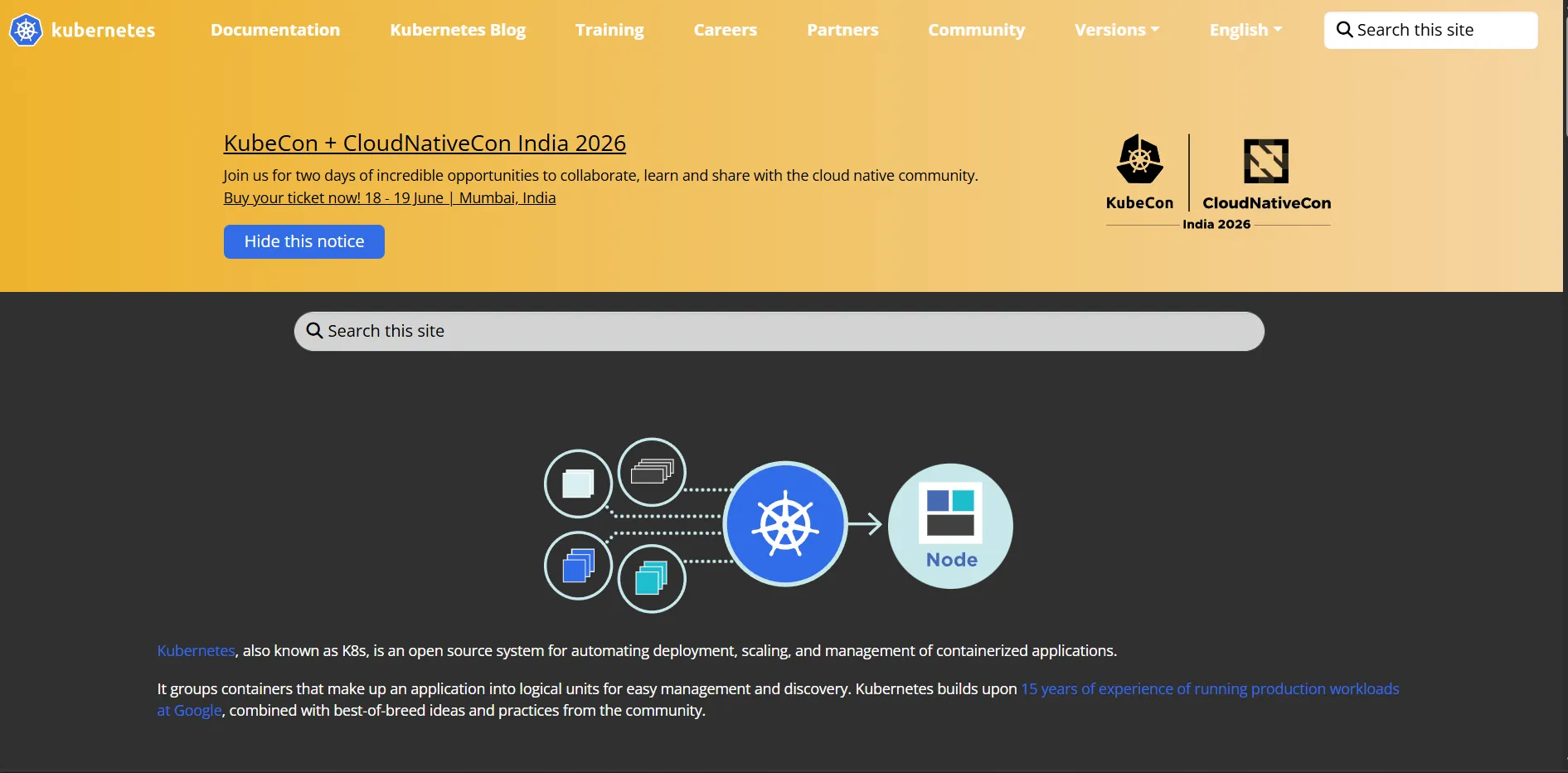
Kubernetes (K8s) is an open-source container orchestration platform that automates the deployment, scaling, load balancing, and self-healing of containerized applications across clusters of servers.
Why Engineering Teams Use Kubernetes
As applications grow into dozens or hundreds of microservices, managing container lifecycles manually becomes impossible. Kubernetes handles service discovery, rolling deployments, resource scheduling, and fault recovery automatically.
Common Use Cases
- Running containerized microservices at scale
- Implementing zero-downtime rolling deployments
- Auto-scaling services based on traffic or CPU usage
- Managing multi-environment clusters (dev, staging, production)
- Enforcing resource limits and namespace-level isolation
Leading Platforms
- Kubernetes (self-managed)
- Amazon EKS (Elastic Kubernetes Service)
- Google GKE (Google Kubernetes Engine)
- Azure AKS (Azure Kubernetes Service)
- Red Hat OpenShift (enterprise Kubernetes with additional tooling)
5. Terraform Infrastructure as Code
What Terraform Does
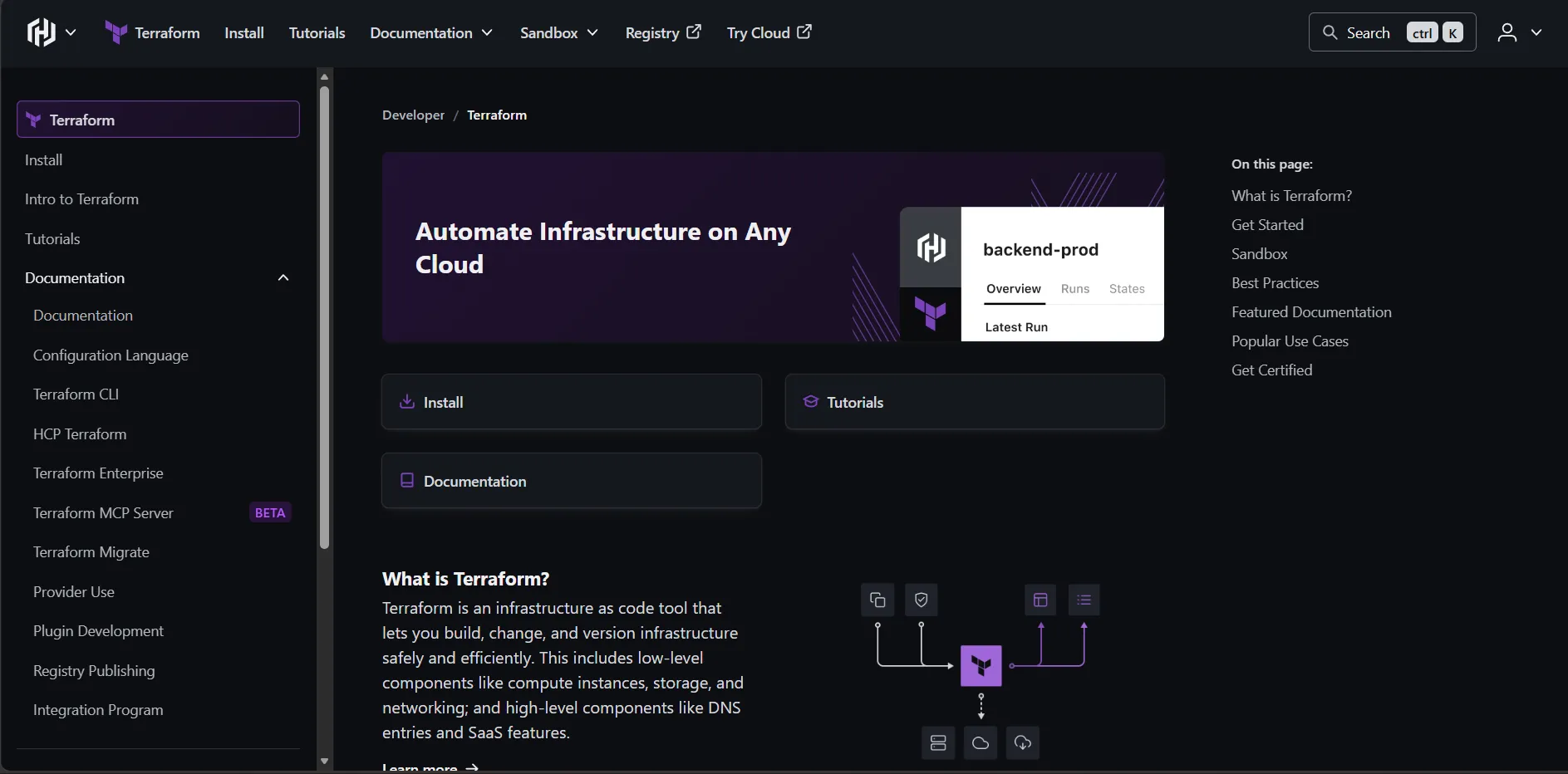
Terraform is an Infrastructure as Code (IaC) tool that lets engineering teams define, provision, and manage cloud and on-premise infrastructure using declarative configuration files written in HashiCorp Configuration Language (HCL).
Why Engineering Teams Use Terraform
Instead of manually clicking through cloud dashboards to spin up servers, databases, or networking resources, Terraform allows teams to version-control infrastructure the same way they version-control application code. This eliminates configuration drift and enables repeatable, auditable infrastructure management.
Common Use Cases
- Provisioning cloud infrastructure across AWS, Azure, and GCP
- Managing networking, load balancers, and DNS programmatically
- Enabling infrastructure review processes through pull requests
- Destroying and recreating environments for testing or disaster recovery
- Enforcing infrastructure standards through reusable modules
Leading Alternatives
- Pulumi (IaC using general-purpose programming languages)
- AWS CloudFormation (AWS-native IaC)
- Ansible (configuration management with IaC capabilities)
- OpenTofu (open-source Terraform fork maintained by the community)
6. Ansible Configuration Management
What Ansible Does
Ansible is an open-source automation tool used to configure servers, deploy applications, and orchestrate multi-step IT workflows. It uses human-readable YAML files called Playbooks to describe the desired state of infrastructure and application configurations.
Why Engineering Teams Use Ansible
Ansible is agentless it communicates with remote servers over SSH without requiring software to be installed on target machines. This makes it easy to adopt in existing infrastructure without significant overhead.
Common Use Cases
- Automating server provisioning and baseline configuration
- Managing software installations and updates across server fleets
- Orchestrating multi-tier application deployments
- Enforcing security configuration standards across environments
Leading Alternatives
- Chef (Ruby-based, code-first configuration management)
- Puppet (declarative configuration management for large enterprises)
- SaltStack (event-driven, high-scalability configuration management)
7. Prometheus Monitoring and Alerting
What Prometheus Does
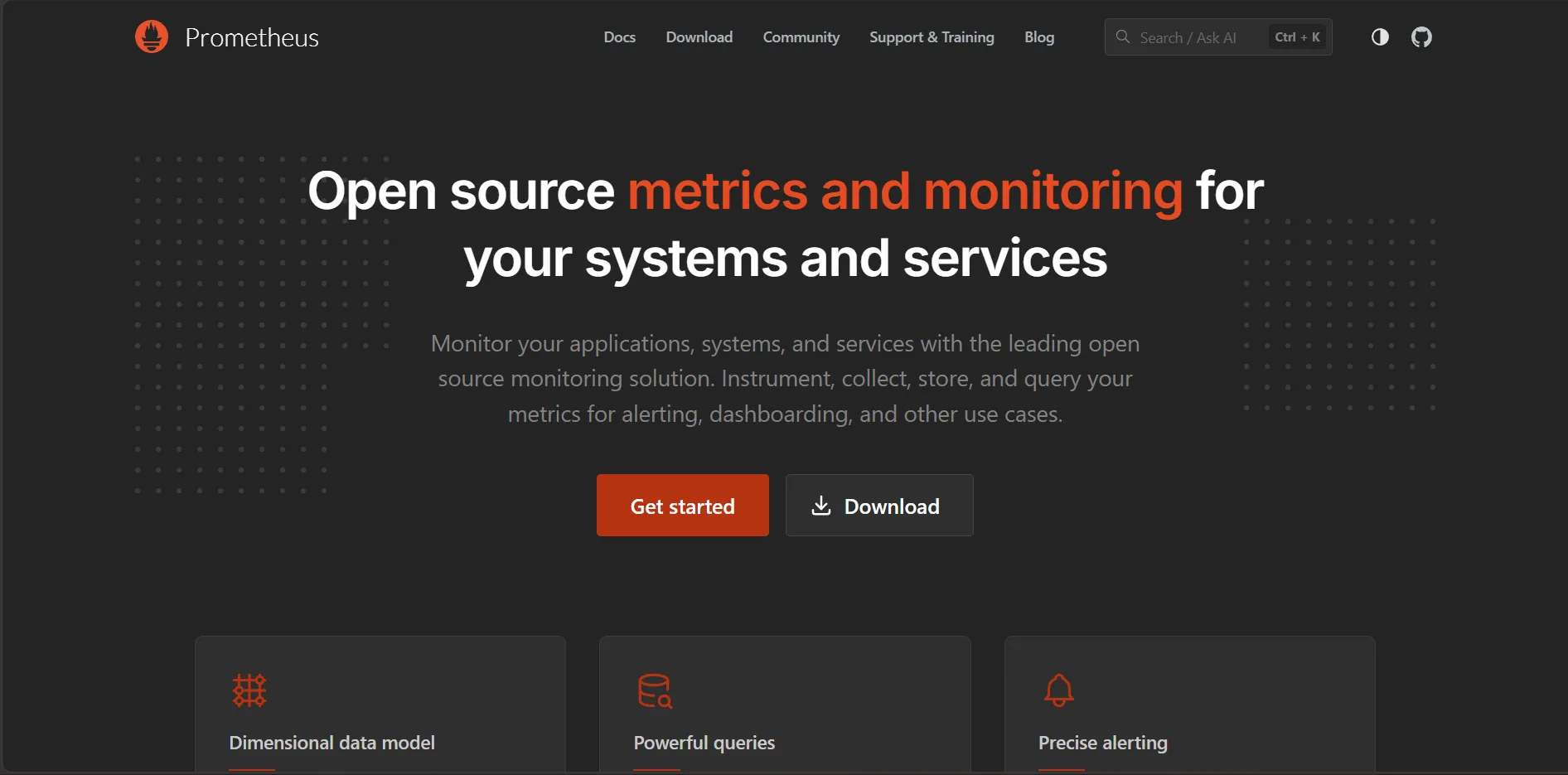
Prometheus is an open-source systems monitoring and alerting toolkit that collects metrics from configured targets, stores them in a time-series database, and evaluates alerting rules to notify teams when systems degrade.
Why Engineering Teams Use Prometheus
Prometheus is the de facto standard for Kubernetes and cloud-native application monitoring. It integrates natively with Grafana for visualization and AlertManager for intelligent alert routing, making it the backbone of modern observability stacks.
Common Use Cases
- Collecting application, infrastructure, and business metrics
- Defining alert rules for latency, error rates, and resource saturation
- Feeding dashboards with real-time performance data
- Monitoring Kubernetes cluster health and pod-level resource usage
- Supporting SLO (Service Level Objective) tracking
Leading Complement Tools
- Grafana (dashboards and visualization)
- AlertManager (alert grouping and routing)
- Thanos or Cortex (long-term metric storage at scale)
- Datadog (commercial, all-in-one monitoring platform)
8. ELK Stack (Elasticsearch, Logstash, Kibana) Log Management
What the ELK Stack Does
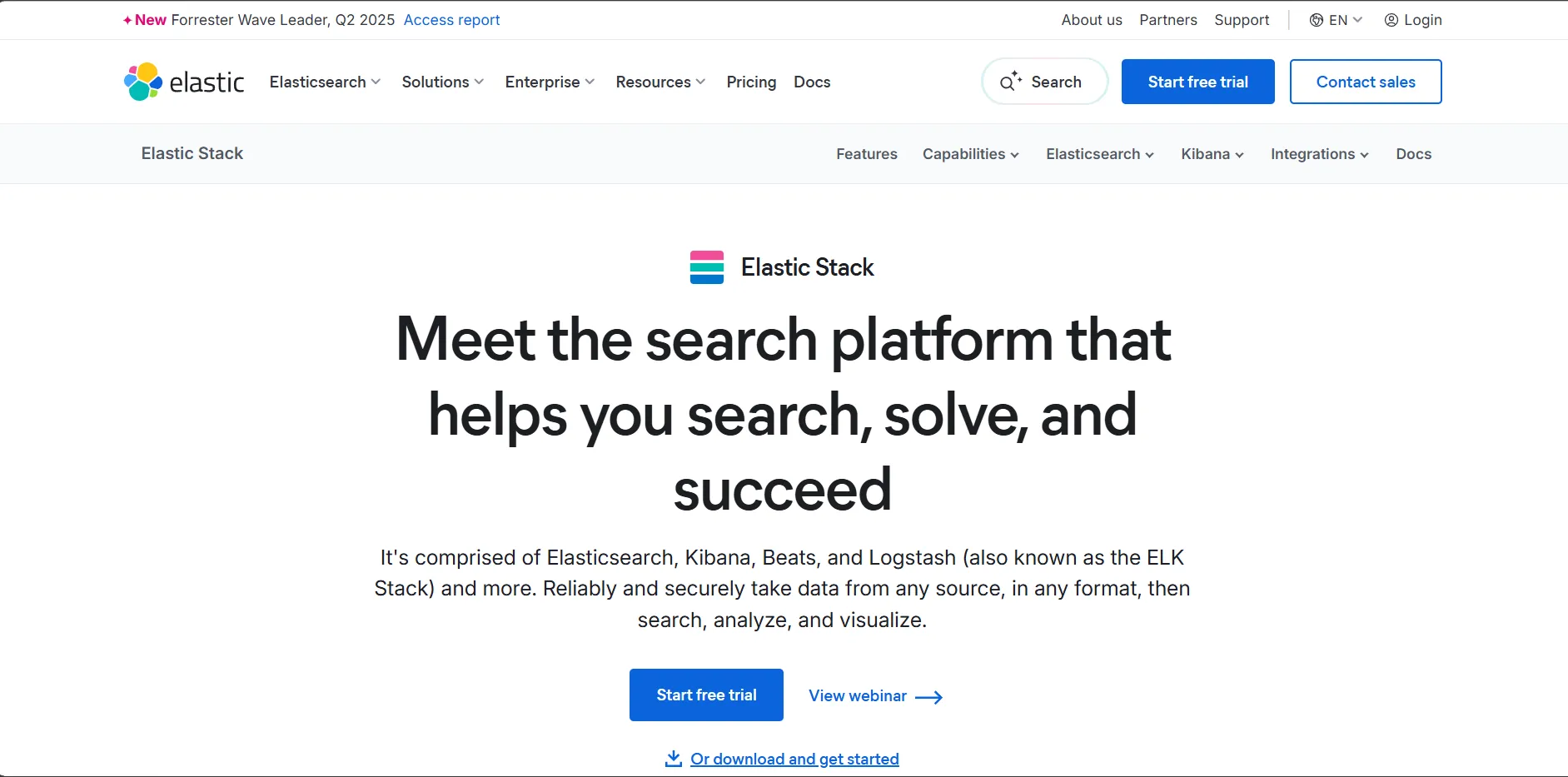
The ELK Stack is a centralized log management platform. Logstash ingests and transforms log data from distributed sources. Elasticsearch indexes and stores it for fast search. Kibana provides visualization and querying interfaces for security, debugging, and operational analysis.
Why Engineering Teams Use the ELK Stack
In distributed microservices architectures, logs are produced by dozens of services simultaneously. Without centralized log management, debugging production incidents becomes a manual search across individual server files. ELK aggregates everything into a searchable, queryable platform.
Common Use Cases
- Aggregating logs from microservices, containers, and cloud functions
- Debugging application errors and tracing request flows
- Security event monitoring and threat detection
- Building operational dashboards for SRE teams
- Compliance log retention and audit reporting
Leading Alternatives
- Grafana Loki (lightweight, label-based log aggregation)
- Splunk (enterprise log management with SIEM capabilities)
- Datadog Logs (cloud-native log management integrated with APM)
9. GitHub Actions CI/CD and Workflow Automation
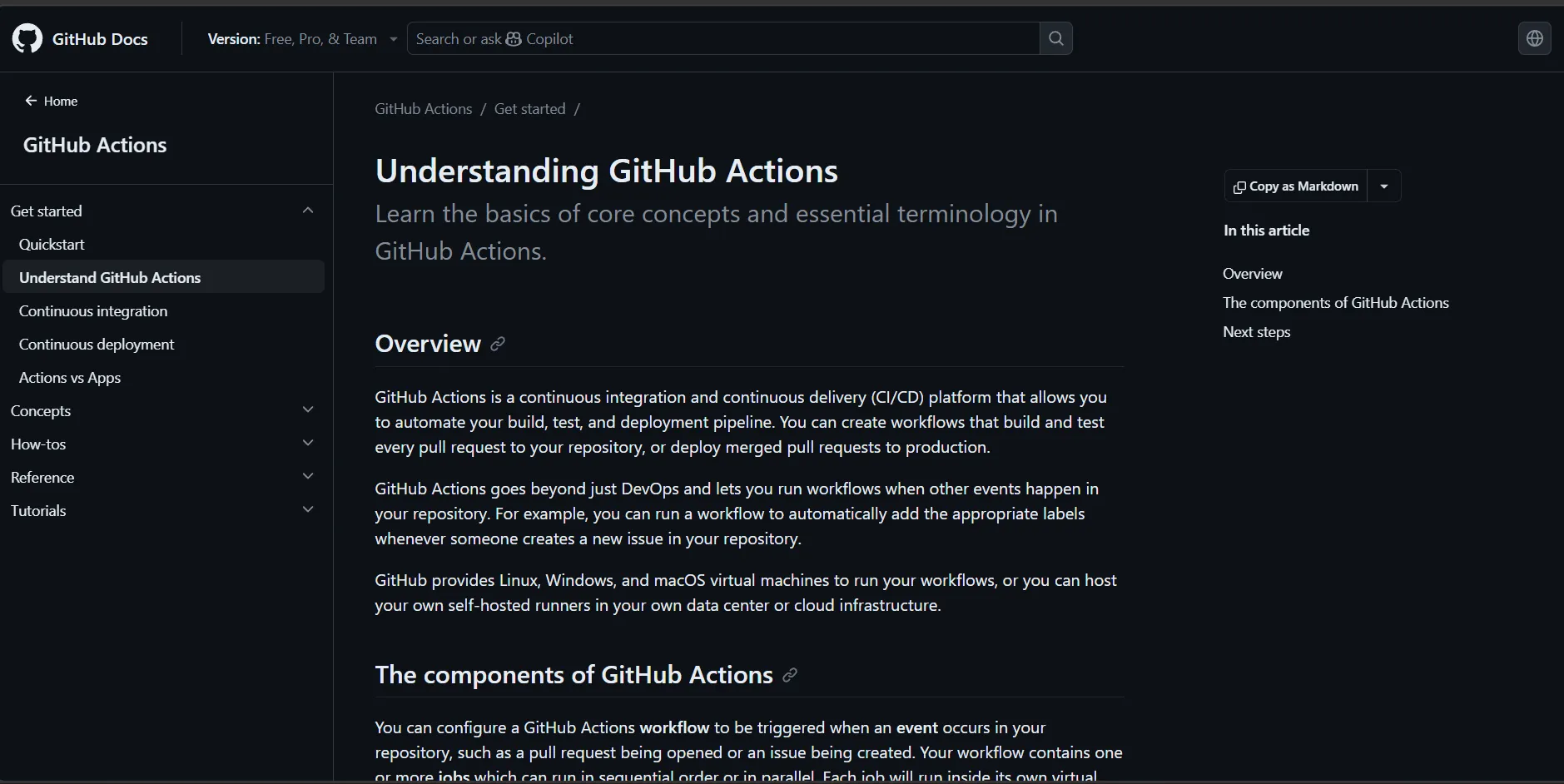
What GitHub Actions Does
GitHub Actions is a native CI/CD and workflow automation platform built directly into GitHub repositories. Teams define workflows as YAML files that trigger on repository events pushes, pull requests, releases, scheduled times, or external webhooks.
Why Engineering Teams Use GitHub Actions
Because GitHub Actions lives inside the same platform as source code, there is no separate CI server to maintain. The marketplace offers thousands of pre-built actions for common tasks like building Docker images, deploying to Kubernetes, or publishing to cloud platforms.
Common Use Cases
- Running automated test suites on every pull request
- Building and pushing Docker images to container registries
- Deploying applications to cloud platforms on merge to main
- Enforcing code quality gates before merge is permitted
- Automating release note generation and version tagging
Why It Matters for Nepal's DevOps Market
GitHub Actions skills are in high demand for teams building software for international markets from Nepal, making it a practical career investment alongside understanding Azure DevOps and GitLab CI.
10. Azure DevOps Enterprise DevOps Platform
What Azure DevOps Does
Azure DevOps is Microsoft's comprehensive DevOps platform combining source control (Azure Repos), CI/CD pipelines (Azure Pipelines), project management (Azure Boards), artifact management (Azure Artifacts), and test management (Azure Test Plans) into a single integrated suite.
Why Engineering Teams Use Azure DevOps
For organizations already running workloads on Microsoft Azure, Azure DevOps provides tight, native integrations that reduce friction across the entire delivery lifecycle. It is particularly popular in enterprise environments and among teams working with .NET, Windows Server, and Microsoft data services.
Common Use Cases
- Managing end-to-end software delivery within the Microsoft ecosystem
- Building pipelines that deploy directly to Azure App Service or AKS
- Tracking work items, sprints, and release milestones in Azure Boards
- Managing NuGet, npm, and Maven package feeds with Azure Artifacts
- Enforcing compliance and approval gates in regulated industries
11. JFrog Artifactory Artifact Management
What JFrog Artifactory Does
JFrog Artifactory is a universal artifact repository manager that stores, organizes, and distributes build artifacts Docker images, npm packages, Maven JARs, Python wheels, Helm charts, and more from a single, centrally managed platform.
Why Engineering Teams Use JFrog Artifactory
Every CI/CD pipeline produces artifacts. Without proper artifact management, teams face version conflicts, broken builds from changed upstream dependencies, and no audit trail for what was deployed where. Artifactory brings order to the artifact supply chain.
Common Use Cases
- Storing Docker images from CI builds before Kubernetes deployment
- Proxying and caching external package registries (npm, PyPI, Maven Central)
- Managing Helm chart repositories for Kubernetes deployments
- Enforcing security scanning on all artifacts before promotion to production
- Maintaining a complete audit trail of artifact provenance
Leading Alternatives
- Sonatype Nexus Repository (open-source artifact management)
- GitHub Packages (GitHub-native, simple artifact storage)
- AWS CodeArtifact (AWS-native package management)
12. Snyk DevOps Security Tools (DevSecOps)
What Snyk Does
Snyk is a developer-first security platform that scans source code, open-source dependencies, container images, and infrastructure as code configurations for vulnerabilities and surfaces findings directly within developer workflows in IDEs, pull requests, and CI/CD pipelines.
Why Engineering Teams Use Snyk
DevSecOps has become a foundational practice in 2026 as organizations recognize that security cannot be an afterthought reviewed only before a release. Snyk makes vulnerability detection a continuous part of the development workflow rather than a gate that slows delivery.
Common Use Cases
- Scanning open-source dependencies for known CVEs in real time
- Detecting vulnerabilities in Docker images before they reach production
- Checking Terraform and Kubernetes manifests for security misconfigurations
- Automating vulnerability remediation through AI-assisted fix suggestions
- Integrating with GitHub, GitLab, and Azure DevOps pipelines for shift-left security
Leading DevSecOps Alternatives
- Trivy (open-source, fast container and IaC vulnerability scanner)
- Checkov (open-source IaC static analysis)
- GitHub Advanced Security (Dependabot, code scanning, secret scanning)
- OWASP ZAP (open-source web application security testing)
Expert Insight: In 2026, over 57% of organizations have reported security incidents linked to exposed secrets in insecure DevOps pipelines. Integrating security scanning tools like Snyk at the pull request stage before code merges is now considered a fundamental DevSecOps practice rather than an advanced one.
14. PagerDuty Incident Management
What PagerDuty Does
PagerDuty is an incident management platform that receives alerts from monitoring tools, intelligently groups related signals to reduce noise, routes notifications to the right on-call engineer based on schedules and escalation policies, and tracks the lifecycle of each incident from detection to resolution.
Why Engineering Teams Use PagerDuty
In high-availability systems, mean time to detection (MTTD) and mean time to resolution (MTTR) are the metrics that define operational excellence. PagerDuty ensures that the right person is notified at the right time through the right channel whether that is phone call, SMS, Slack, or email.
Common Use Cases
- Routing monitoring alerts from Prometheus and Grafana to on-call teams
- Managing rotating on-call schedules across global engineering teams
- Tracking incident timelines and running post-incident retrospectives
- Integrating with Jira to automatically create incident tickets
- Measuring MTTD and MTTR trends over time
Leading Alternatives
- Opsgenie (Atlassian-owned, strong Jira integration)
- VictorOps / Splunk On-Call (SRE-focused incident management)
- Squadcast (modern alternative popular among growing engineering teams)
15. HashiCorp Vault Secrets Management
What HashiCorp Vault Does
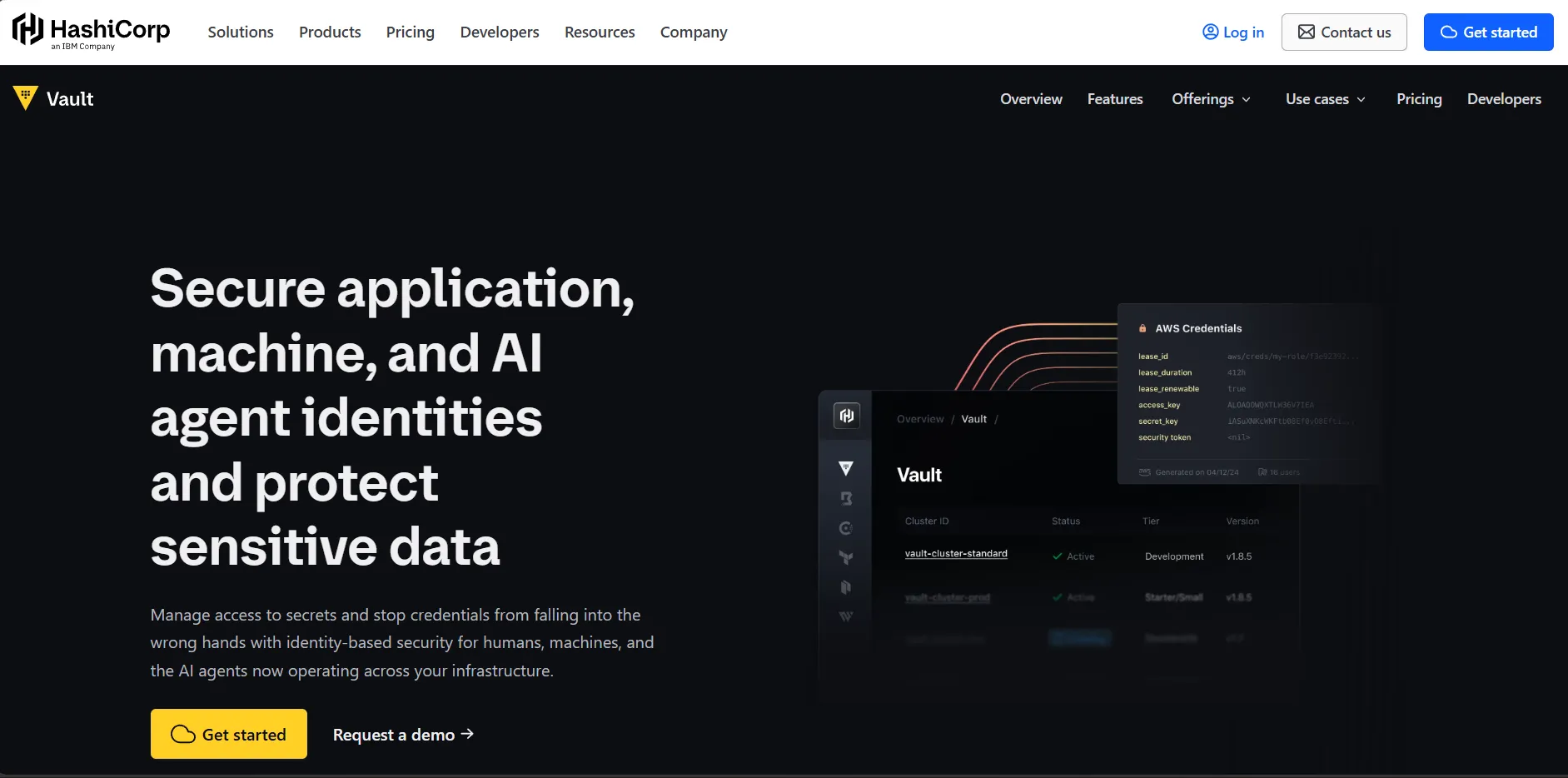
HashiCorp Vault is a secrets management platform that securely stores, accesses, and distributes sensitive credentials API keys, database passwords, TLS certificates, cloud provider tokens to applications and services without hardcoding secrets in source code or configuration files.
Why Engineering Teams Use Vault
One of the most common causes of security breaches in DevOps pipelines is secret exposure credentials accidentally committed to version control or stored in plaintext in environment variable files. Vault provides a centralized, auditable, policy-controlled system for managing secrets across the entire infrastructure.
Common Use Cases
- Dynamically generating short-lived database credentials for applications
- Rotating API keys and cloud access tokens automatically
- Storing and distributing TLS certificates to services
- Integrating with Kubernetes to inject secrets into pods without manual management
- Enforcing access control policies on which services can access which secrets
Leading Alternatives
- AWS Secrets Manager (native AWS secrets management)
- Azure Key Vault (Microsoft Azure secrets and key management)
- Google Cloud Secret Manager (GCP-native secrets management)
How AI Is Transforming DevOps Tool Workflows in 2026
Artificial intelligence has moved from a buzzword in DevOps conversations to a practical force reshaping how engineering teams write code, review pipelines, detect anomalies, and respond to incidents. Understanding where AI fits in modern DevOps toolchains is increasingly important for professionals building careers in this space.
What AI-Assisted DevOps Looks Like in Practice
AI-augmented DevOps does not replace engineers. It removes the cognitive overhead from repetitive, pattern-recognition tasks freeing teams to focus on system design, reliability improvements, and product delivery rather than manual monitoring and configuration.
Modern AI capabilities integrated into DevOps toolchains include:
- AI-Powered Code Review and Pull Request Analysis Tools like GitHub Copilot, GitLab Duo, and JetBrains AI Assistant now provide inline suggestions, automatic bug detection, and security vulnerability flagging directly within pull request workflows. Engineers receive feedback on potential issues before a human reviewer even opens the diff.
- Intelligent Anomaly Detection in Monitoring Platforms like Datadog AIOps, Dynatrace, and New Relic apply machine learning to establish dynamic baselines for application performance. Instead of triggering alerts when a static threshold is crossed, they detect meaningful deviations such as subtle latency degradation patterns that precede a cascading failure before users notice.
- Automated Root Cause Analysis When incidents occur, AI-assisted observability platforms like Dynatrace Davis AI and Datadog Watchdog automatically correlate signals from logs, metrics, and traces to identify probable root causes. This compresses incident investigation time from hours to minutes.
- Predictive Capacity Planning AI-driven infrastructure tools analyze historical usage patterns to predict traffic spikes, resource saturation, and cost anomalies before they impact availability. This allows platform teams to pre-scale infrastructure rather than reacting to outages.
- AI-Assisted Vulnerability Remediation Security tools like Snyk, GitHub Advanced Security, and Endor Labs now generate automated fix suggestions and in some cases, AI-generated pull requests for known vulnerability patterns, reducing the backlog of security debt that engineering teams accumulate over time.
Challenges of AI in DevOps Workflows
- Over-Reliance on Automated Suggestions: AI code completion tools can introduce subtle bugs or deprecated API patterns when engineers accept suggestions without critical review. Teams need to treat AI-generated code with the same scrutiny applied to human-written pull requests.
- Alert Noise from Improperly Tuned Models: AI anomaly detection tools require adequate training data and calibration periods. Teams deploying them in new environments often see elevated false positive rates during the initial weeks, which can erode trust in the alerting system.
- Model Drift in Production Monitoring: As application behavior evolves with new features and changing traffic patterns, AI baseline models need to be periodically recalibrated. Static models trained on historical data from a different application state can miss real anomalies or generate spurious alerts.
- Cost of AI-Augmented Tooling: Commercial AI-powered observability and security platforms command significant license costs. Teams need to evaluate whether the productivity gains and incident reduction justify the investment relative to open-source alternatives.
DevOps Tools by Category: A Practical Reference
Understanding how DevOps tools align to each phase of the pipeline helps engineers and learners build well-structured toolchains rather than adopting tools ad hoc.
Version Control and Source Code Management Tools
The foundation of every DevOps pipeline is a version control system. Popular source code management tools used in 2026 include:
- Git, GitHub, GitLab, Bitbucket, Azure Repos
These tools enable branching strategies, code reviews, merge request workflows, and integration with CI/CD platforms.
CI/CD Pipeline Tools
Continuous integration and continuous delivery tools automate the build, test, and deployment process. Widely used options include:
- Jenkins, GitHub Actions, GitLab CI/CD, CircleCI, Azure Pipelines, Argo CD, Tekton
Containerization and Orchestration Tools
Container tools package and run applications consistently. Orchestration platforms manage containerized workloads at scale:
- Docker, Podman, Kubernetes, Amazon EKS, Google GKE, Azure AKS, Red Hat OpenShift, Helm
Infrastructure as Code and Configuration Management Tools
IaC tools define infrastructure programmatically. Configuration management tools maintain server state:
- Terraform, Pulumi, Ansible, Chef, Puppet, AWS CloudFormation
Monitoring, Observability, and Logging Tools
Observability tools give engineering teams visibility into how systems behave in production:
Prometheus, Grafana, Datadog, New Relic, Dynatrace, ELK Stack, Grafana Loki, Jaeger (distributed tracing)
DevOps Security Tools (DevSecOps)
Security tools embedded in DevOps pipelines enable shift-left security practices:
- Snyk, Trivy, Checkov, OWASP ZAP, GitHub Advanced Security, Anchore, Falco (Kubernetes runtime security)
Collaboration and Project Management Tools
Engineering teams use collaboration platforms to manage sprint planning, documentation, and communication:
- Jira, Confluence, Slack, Microsoft Teams, Notion, Linear
Trending DevOps Tools and New DevOps Tools 2025–2026
The DevOps tooling landscape continues evolving rapidly. Several emerging tools and platforms are gaining significant adoption heading into 2026:
- Platform Engineering Platforms: Tools like Backstage (by Spotify) and Port are enabling organizations to build Internal Developer Platforms (IDPs) centralized portals where developers can self-serve infrastructure, view service catalogs, and track deployment health without ticket-based bottlenecks.
- GitOps Tools: Argo CD and Flux have become the standard for GitOps-driven Kubernetes deployments, where the desired state of infrastructure is defined in Git and automatically synchronized to clusters.
- AI-Native Observability: Platforms like Coroot and Groundcover are gaining attention for combining eBPF-based infrastructure monitoring with AI-assisted root cause analysis at dramatically lower cost than traditional APM vendors.
- Policy-as-Code Tools: Open Policy Agent (OPA) and Kyverno are expanding as organizations seek to enforce security and compliance policies programmatically across Kubernetes clusters and CI/CD pipelines.
- DevSecOps Automation: Tools like Dagger are enabling fully portable CI/CD pipelines written as code rather than platform-specific YAML configurations, improving developer experience and pipeline portability across environments.
DevOps Tools for Nepal: What Matters for Local Professionals
For DevOps professionals and students in Nepal particularly in Kathmandu the most in-demand tool skills align with the technologies adopted by companies hiring for remote engineering roles and local tech organizations building cloud-native products.
Key areas to prioritize:
Understanding the core DevOps toolchain Git, Docker, Kubernetes, and a major CI/CD platform provides the foundation for most DevOps roles available to professionals in Nepal, both locally and in remote international positions. Professionals with Azure DevOps skills also benefit from strong demand among companies running Microsoft-stack infrastructure. DevOps internships in Nepal increasingly require demonstrated familiarity with infrastructure as code tools like Terraform alongside container orchestration basics.
The scope of DevOps jobs in Nepal is expanding alongside the growth of cloud adoption among Nepali enterprises, fintech companies, and software service providers serving international clients. Understanding the tools used in DevOps is the first step toward qualifying for these opportunities.
Conclusion
DevOps tools have evolved from simple automation utilities into interconnected platforms that span the entire software delivery lifecycle from the first line of code committed to a feature branch through monitoring a production deployment in real time. In 2026, the most effective engineering teams combine version control, CI/CD automation, container orchestration, infrastructure as code, observability, and DevOps security tools into a coherent, well-integrated toolchain.
As AI continues augmenting DevOps workflows in code review, anomaly detection, incident response, and vulnerability remediation professionals who understand both the foundational toolchain and the emerging AI-assisted capabilities will be best positioned to grow in this field.
Whether you are exploring DevOps fundamentals, preparing for your first internship in Nepal, or building toward a senior platform engineering role, learning how these tools work together is the most practical investment you can make. For a step-by-step path from complete beginner to job-ready, our beginner's guide to getting started in DevOps walks you through exactly where to start and what to learn in order.
Want to move from reading about DevOps tools to actually using them? Explore Skill Shikshya's DevOps training in Nepal to gain hands-on experience with real pipelines, container deployments, and the tools that engineering teams use in production every day.
Frequently Asked Questions
What are DevOps tools?
Which DevOps tools should beginners learn first?
What tools are used in DevOps pipelines?
What are the best DevOps tools for Azure?
What are DevOps security tools?
Are there free DevOps tools available?
What is the difference between CI and CD in DevOps?
How are new DevOps tools in 2025 and 2026 different from older ones?
How do I start learning DevOps tools in Nepal?
About Author: