What is Nodejs? A Complete Guide for Beginners | Skill Shikshya
The landscape of web development changed dramatically with the introduction of nodejs. Before its arrival, developers typically used JavaScript only in web browsers while backend systems relied on separate technologies such as PHP, Java, Python, or Ruby. This separation between frontend and backend is now eliminated with modern MERN stack development, which unify the entire application using JavaScript. This created a divide between frontend and backend development, often resulting in more complex workflows and increased development effort.
Nodejs enables JavaScript to run on the server side, allowing developers to build full stack applications using a single language. It is widely used in real-time apps, streaming platforms, e-commerce systems, and enterprise solutions. For students and aspiring developers, learning nodejs is a key step toward building modern web applications and growing a career in software development.
To take this further, mastering a structured full stack development course can help you apply Node.js in real projects with React, Express, and MongoDB, giving you the complete skill set required for today’s job market.
Key Takeaways
Understanding Node.js is essential for exploring the broader scope of MERN stack development in today’s job market, especially for aspiring full-stack engineers. Before diving into the detailed technical architecture, let us summarize the most essential high-level principles of this powerful technology:
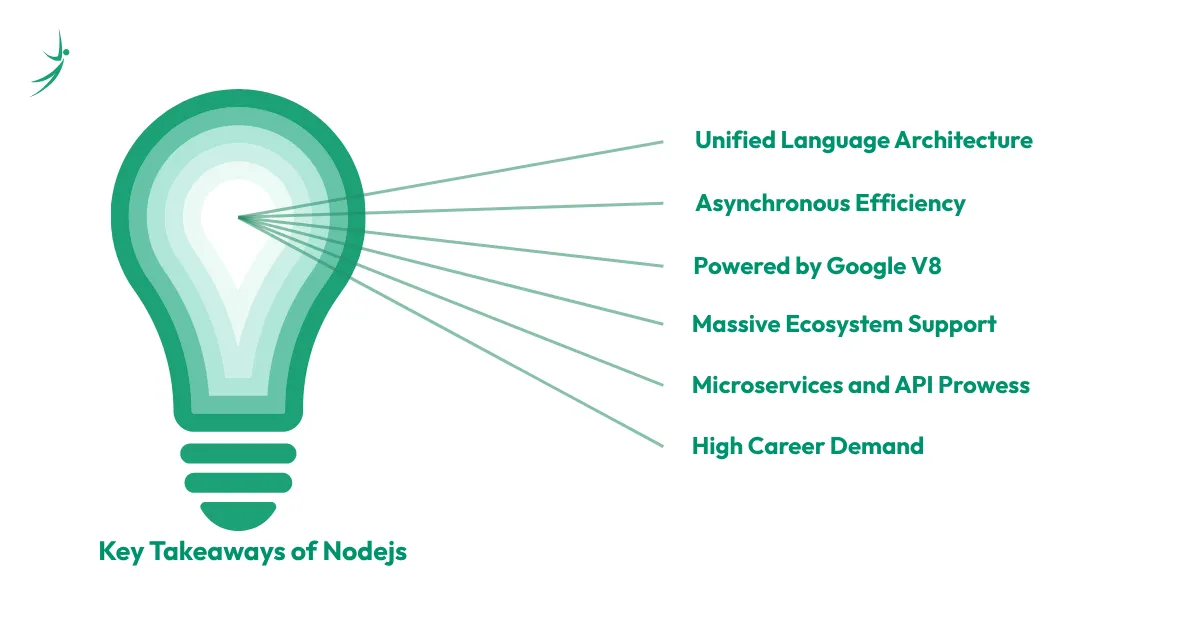
- Unified Language Architecture: It provides a comprehensive JavaScript runtime that allows engineers to execute node js javascript code on both the client and the server, unifying the entire full-stack pipeline.
- Asynchronous Efficiency: By deploying a highly optimized event loop alongside a non-blocking I/O model, it effortlessly drives lightweight, real-time web applications without blocking system processing queues.
- Powered by Google V8: It translates raw script instructions directly into native machine execution primitives via Google Chrome’s high-performance V8 engine, delivering elite operational speeds.
- Massive Ecosystem Support: Through npm packages, developers gain immediate access to the world’s largest open-source package library, accelerating development velocities across startups and global enterprises alike.
- Microservices and API Prowess: Its exceptionally low memory footprint and quick startup times make it an exemplary choice for building robust microservices and scalable REST API patterns.
- High Career Demand: Tech hubs across the globe constantly seek full-stack engineers who can seamlessly transition between managing frontend view layouts and building solid, secure backend systems.
What Is Node.js?
To understand this technology properly, we must first clear up a very common misconception among beginners: Node.js is not a programming language, and it is not a traditional framework. Instead, it is a highly sophisticated cross-platform JavaScript runtime that executes code outside the boundaries of a web browser. It serves as a comprehensive runtime environment, packing all the necessary compilation layers, execution boundaries, and low-level bindings required to turn standard script syntax into a fully working backend development server.
To build complete applications, Node.js is often paired with frontend technologies like React, which plays a major role in modern full-stack development workflows. This makes it a core part of the frontend vs backend vs full stack architecture model used in today’s web applications.
Common Applications of Node.js
Because of its performance profile, this technology has become the foundational choice for an array of software applications. These applications are a major reason why MERN stack frameworks are widely adopted in production environments. Let us explore the core areas where this engine delivers maximum value:
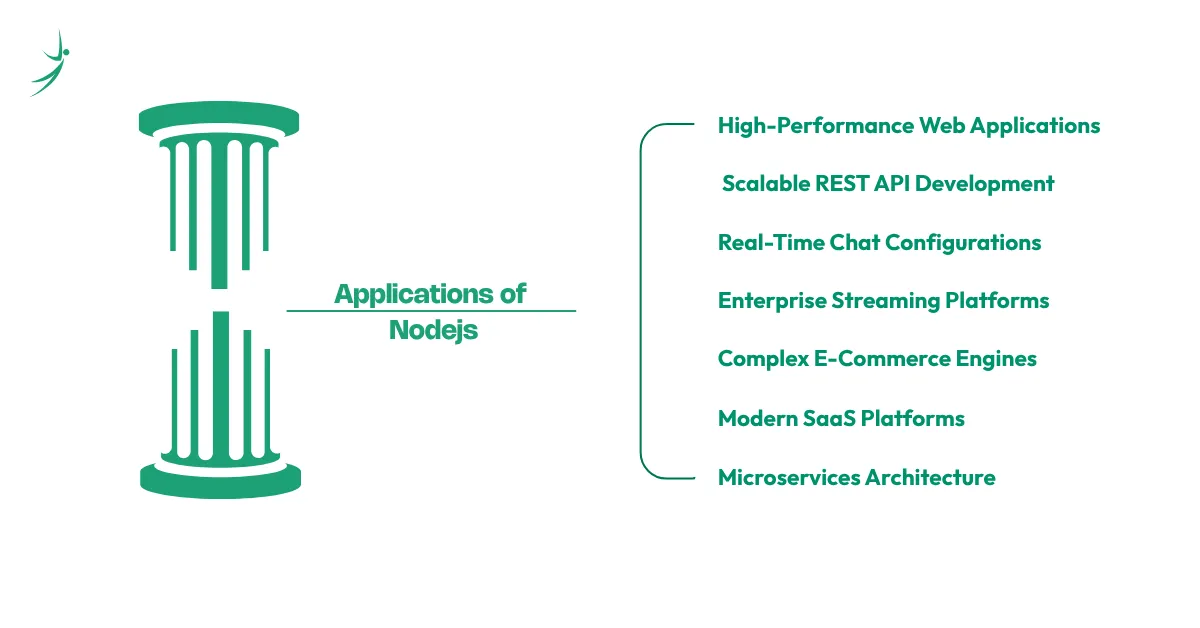
1. High-Performance Web Applications
Modern single-page applications (SPAs) demand backend infrastructures that can server-render content rapidly and manage massive volumes of state synchronizations. It acts as an elite engine for these setups, serving assets efficiently, handling session management, and routing page requests smoothly.
2. Scalable REST API Development
Modern web and mobile clients communicate with storage systems via RESTful APIs. Because this runtime can serialize and deserialize JSON payloads natively without processing friction, it has become the gold standard for backend API development.
3. Real-Time Chat Configurations
Building instant messaging clients or live customer support portals requires continuous, persistent two-way communication channels between clients and servers. Using the WebSocket protocol, a single server instance can manage tens of thousands of concurrent open chat sockets without crashing, ensuring instant data delivery.
4. Enterprise Streaming Platforms
Global tech companies like Netflix rely heavily on this environment to partition and distribute massive media files. Rather than loading an entire multi-gigabyte video asset into memory before sending it down to a user, the runtime breaks the media file into small, sequential chunks. It streams these segments live over network pipelines, reducing buffer delays and memory usage.
5. Complex E-Commerce Engines
Online retail websites face massive, unpredictable spikes in traffic during major shopping holidays. The platform's non-blocking architecture allows it to process high-volume shopping carts, check inventory databases, trigger third-party payment gateways, and generate invoices at scale without blocking user interactions.
6. Modern Software-as-a-Service (SaaS) Platforms
SaaS tools must accommodate multitenant dashboard interactions, ongoing analytics tracking, and automated reporting tasks. The environment's scalability enables startups to rapidly prototype, deploy, and scale these collaborative applications.
7. Microservices Architecture
Instead of building a massive, rigid monolithic codebase where a single bug can bring down an entire system, modern software engineering favors microservices. This design breaks applications down into small, specialized, independent programs that talk to each other over lightweight communication protocols. The runtime's tiny memory footprint and rapid startup times make it an ideal fit for orchestrating these distributed microservice meshes.
To build and deploy applications like these in real-world environments, you need strong MERN stack skills including Node.js, Express, React, and database management with MongoDB. These skills are in high demand across startups and global tech companies, making them essential for anyone aiming to become a full-stack developer.
Real-World Production Implementations
PayPal: The digital payments giant migrated its legacy Java application layer to an optimized JavaScript runtime layout. They discovered that the new system was built twice as fast with fewer lines of code, handled double the amount of requests per second, and reduced user page response times by an incredible 35 percent.
LinkedIn: By moving its mobile application server stack away from Ruby on Rails, LinkedIn reduced its physical server infrastructure requirements from 15 separate machines down to a single instance. The system ran up to twenty times faster while significantly reducing resource utilization.
Uber: The ride-sharing platform requires deep, instant tracking setups to match drivers with passengers in real time. They chose this architecture because it processes huge numbers of incoming GPS data points without delay and updates client maps instantly.
These companies are strong examples of how MERN stack vs MEAN stack architecture choices impact scalability and performance.
How to Install Node.js
Setting up your environment properly is the first step toward building enterprise-grade applications. Let us look at how to cleanly install the runtime across the three major operating systems.
Install Node.js on Windows
Setting up your environment on Windows is a simple process:
- Open your web browser and navigate to the official website downloads page.
- The website will automatically detect your operating system and display the recommended installer options.
- Download the LTS (Long Term Support) installer package for maximum stability.
- Once the .msi setup file finishes downloading, double-click it to start the installation wizard.
- Accept the license agreement terms and select your desired installation path.
- Crucial Step: Ensure the checkbox labeled "Add to PATH" is explicitly enabled. This guarantees you can access execution commands globally from any Command Prompt or PowerShell window.
- Click through the remaining steps, allow administrative permissions if prompted, and click finish.
Install Node.js on macOS
Apple developers have two excellent options for setting up their environments. The first option is downloading the standard installer package directly from the web, which optimizes your system for a nodejs download for mac installation.
Alternatively, you can manage your setup using Homebrew, the popular command-line package manager for macOS. This approach simplifies future updates and allows you to install or modify versions directly through your terminal.
To install using Homebrew, open your macOS Terminal and execute the following clean command:
Bash
brew install node
Homebrew automatically fetches the latest stable binary distribution, maps the appropriate terminal paths, and links your system binaries without requiring manually configured installation parameters.
Install Node.js on Linux
For Linux environments, using a version manager like Node Version Manager (nvm) is highly recommended. Avoid using standard distribution package managers like apt-get or yum directly, as their repositories often contain outdated releases.
1. Open your terminal profile and run the official nvm installation script to kick off your nodejs download process:
curl -o- https://raw.githubusercontent.com/nvm-sh/nvm/v0.40.1/install.sh | bash
After the installation finishes, close your terminal window and reopen it to load the new configuration paths. You can now download and activate the nodejs current version by executing this simple command:
nvm install 26
To tell your system to use this newly downloaded release as your global default, run:
nvm use 26
Reading the Official Node.js Documentation
As you begin building more complex projects, make it a habit to regularly consult the official nodejs documentation. The documentation provides an exhaustive, up-to-date guide on everything from basic file system structures to advanced network handling, complete with code examples and API details.
What Makes Node.js Different From Other Technologies?
To choose the right tool for a given project, you must understand how this runtime compares to traditional server-side ecosystems. Let us look at how it stacks up against other popular backend options:
| Technical Criteria | Node.js Runtime | PHP Ecosystem | Python Architecture | Java Platform |
| Execution Performance | Fast (V8 Engine) | Moderate | Moderate to Slow | Fast (JVM Engine) |
| Scalability Potential | High (Event Loop) | Moderate | Moderate | High (Multi-threaded) |
| Learning Curve | Gentle for JS users | Gentle | Very Gentle | Steep |
| Ecosystem Size | Massive (npm) | Large (Composer) | Large (PyPI) | Massive (Maven) |
| Development Speed | Extremely Fast | Fast | Fast | Moderate |
Key Features of Node.js
To see why developers consistently choose this platform, let us break down its five most defining features:
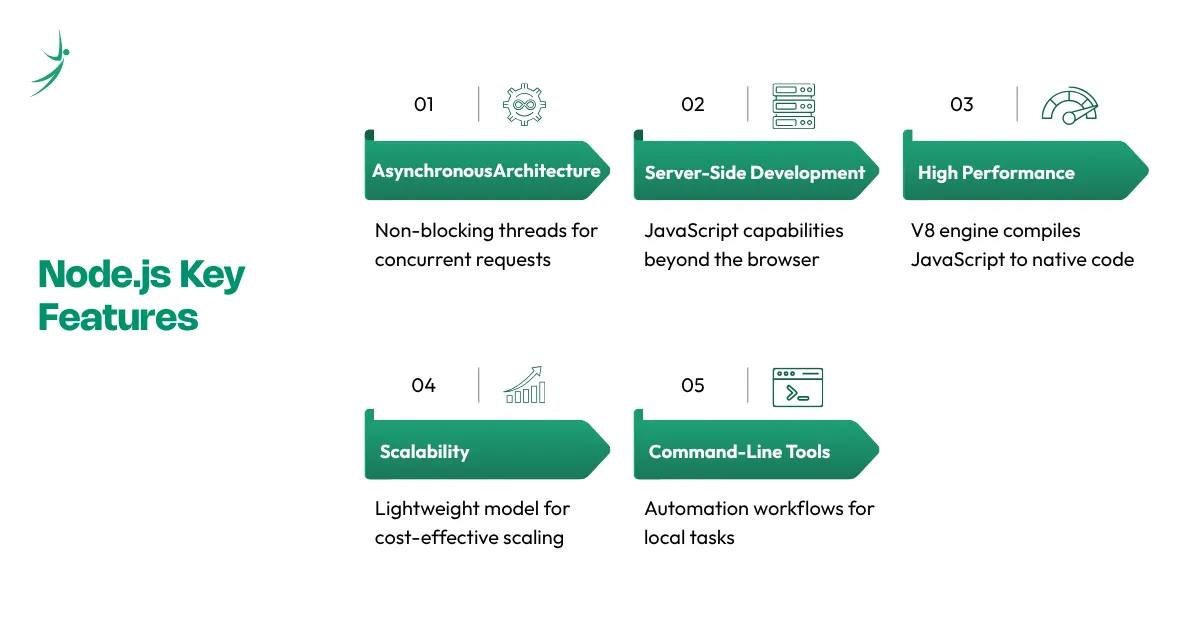
- Asynchronous Architecture: Its non-blocking architecture ensures that threads never get stuck waiting for slow backend operations to finish. By offloading tasks to the system kernel or background workers, a single instance can effortlessly process thousands of concurrent requests.
- Server-Side Development: It expands JavaScript's capabilities far beyond the browser. It gives developers full access to server-side system boundaries, allowing them to manage incoming network sockets, interact with databases, read and write files on disk, and build comprehensive web services.
- High Performance: Powered by Google’s high-performance V8 engine, it compiles JavaScript code straight into native machine language. This eliminates the sluggishness historically associated with interpreted scripts, delivering near-instant execution speeds.
- Scalability: Its lightweight, event-driven model makes scaling applications simple and highly cost-effective. It is an exceptional match for modern microservice layouts and horizontally scaled cloud cluster systems.
- Command-Line Tools: Beyond web services, it excels at building automated scripts, developer tools, and command-line tools. It allows engineers to create custom automation workflows that streamline local code builds, text parsing, and system deployments.
Node.js Modules Explained
Modularity is at the very core of this technology's design. Instead of loading a massive, bloated library containing every feature imaginable into memory, the environment relies on compact, isolated blocks of code called nodejs modules.
Modules come in three distinct types:
- Built-in Modules: Core libraries that come pre-packaged with the runtime and require no extra installation.
- Local Modules: Custom files and modules written by you within your project directory.
- Third-Party Modules: External libraries created by the open-source community and downloaded via npm.
Let us look at how to use four of the most critical built-in modules with practical, real-world examples:
- The fs (File System) Module: This module handles all operations related to creating, reading, updating, and deleting files on your machine.
- The http Module: This module provides the core networking capabilities needed to turn your script into an operational web server.
- The path Module: Working with file directories across different operating systems can be tricky. Windows uses backslashes (\), while macOS and Linux use forward slashes (/). The path module solves this by normalizing file system paths automatically.
- The os (Operating System) Module: This utility module provides detailed structural information about the physical computer hosting your application.
Node.js and Express.js
While the built-in http module is perfect for understanding low-level networking foundations, building a large production application with it requires a lot of manual boilerplate code. To simplify this process, developers rely on node js express, the most popular web application framework within the ecosystem.
Express.js acts as a minimalist, flexible abstraction layer built on top of the native HTTP core. It provides robust tools for handling URL routing, processing incoming request data, and serving web APIs cleanly.
Preparing for the Technical Job Market
When you begin applying for backend development positions, technical interviewers will test your practical knowledge of server architectures. Reviewing standard node js interview questions is a fantastic way to prepare.
Expect questions around how Express handles route matching, how to implement custom error handlers, and how the underlying event loop handles multi-user concurrency. Mastering these concepts proves to potential employers that you understand how to design robust, production-ready web services.
Advantages and Disadvantages of Node.js
To maintain complete objective engineering authority, let us critically analyze both the strengths and weaknesses of this runtime environment.
Advantages
- Blazing Fast Code Execution Execution: Powered by Google's V8 engine, it compiles source code straight into native machine execution primitives, delivering incredible performance.
- Highly Scalable Concurrency: Its event-driven, non-blocking architecture allows a single server to handle thousands of simultaneous client connections with ease.
- Unified Full-Stack Language Syntax: Teams can use JavaScript across both the frontend and backend, maximizing code reuse and cutting down on context-switching.
- A Vibrant Open-Source Ecosystem: The npm package registry gives developers instant access to millions of pre-built, production-tested libraries, saving immense time.
- Active Corporate and Community Backing: Backed by the OpenJS Foundation and tech giants like IBM, Microsoft, and Google, the runtime benefits from continuous updates and excellent long-term security support.
Disadvantages
- Unsuited for Heavy CPU Computations: Because it runs on a single main thread, long-running calculations (like machine learning data tasks or complex video rendering) will block the event loop, stalling all other incoming user requests.
- Risk of Callback Complexity: If asynchronous code is poorly organized, applications can quickly fall into "callback hell," making the codebase difficult to read and maintain. (Thankfully, modern async/await patterns dramatically reduce this risk).
- Rapid Ecosystem Churn: The npm package universe evolves incredibly quickly. Tools and libraries update frequently, meaning developers must carefully manage project dependencies to avoid breaking changes.
Conclusion
This runtime environment has reshaped modern software development by bringing JavaScript to the server side and removing the gap between frontend and backend systems. With its event-driven architecture, non-blocking I/O model, and fast V8 engine, it remains a strong choice for building scalable and high-performance web applications.
For students and aspiring developers, learning Node.js is a smart career move in today’s competitive tech industry. If you want to turn this skill into a job-ready expertise, explore the full-stack development program at best IT training institute in Nepal and start building real-world, production-ready applications with expert guidance and mentorship.
Frequently Asked Questions
What is Node.js used for?
What does Node.js do?
Where is Node.js used?
Why is Node.js single-threaded?
What is Node.js built on?
What is Node.js middleware?
Why is Node.js used with React?
About Author:

Mr. Asim Chaulagain, Full Stack MERN mentor at SkillShikshya and developer at Vrit Technologies, empowers learners to build real-world web applications. Through hands-on projects, he turns coding skills into practical, career-ready expertise.