15 Must-Know UI/UX Tools in 2026 for Designers, Beginners & Startups
The global UI/UX design software market is growing faster than ever as companies compete on digital experience instead of just features. From startups in Kathmandu to global SaaS brands, businesses now invest heavily in user interface and user experience design because better UX directly increases engagement, retention, and revenue.
If you search for “best UI/UX tools” today, you will mostly find repetitive lists with the same platforms mentioned over and over again, often without explaining why these tools matter, who they are best for, or how they fit into a real UI/UX career path.
This guide is different.
It breaks down the 15 best UI/UX tools in 2026 based on what professional designers actually use, which platforms companies hire for, which free UI/UX tools are genuinely worth learning, and how these tools fit into modern product design workflows powered increasingly by AI.
Whether you are a beginner exploring UI visuals or researching how to start a career in UI/UX design, this guide gives you the full picture.
What Are UI/UX Tools?
UI/UX tools are software platforms used to research, design, prototype, test, and improve digital products like websites, mobile apps, SaaS platforms, dashboards, and e-commerce stores.
If you are new to design, it is important to understand what UI/UX design actually means before choosing tools or workflows.
- UI (User Interface) focuses on visuals, layouts, typography, colors, buttons, spacing, and overall interface aesthetics.
- UX (User Experience) focuses on usability, accessibility, user flows, research, interactions, and how intuitive a product feels.
Modern UI/UX designers typically use multiple tools together during the product design process.
Common categories of UI/UX designer tools include:
- Wireframing tools
- UI design software
- Prototyping tools
- User research tools
- Collaboration platforms
- Design systems tools
- AI-powered UI generators
- Accessibility testing tools
- Motion and interaction design tools
- Developer handoff tools
Understanding these categories is now a foundational skill for anyone pursuing a professional UI/UX design training program.
Why UI/UX Is More Important Than Ever in 2026
In 2026, user expectations for digital products are higher than ever, making intuitive and well-designed interfaces a critical factor for business success and user retention.
Users Expect Exceptional Digital Experiences
People now judge businesses within seconds based on interface quality. A confusing website or poorly designed app instantly reduces trust.
Research consistently shows that companies with strong UX design achieve:
- Higher conversion rates
- Better customer retention
- Lower support costsStronger brand loyalty
This is exactly why user interface design is so important today.
AI Has Increased the Need for Better UX
AI can generate layouts faster than ever, but AI alone cannot deeply understand human psychology, emotional interaction, accessibility, and user behavior.
Tools may automate parts of visual design, but companies still need designers who can:
- Solve user problems
- Design intuitive experiences
- Build scalable systems
- Create accessibility-first interfaces
- Conduct UX research
- Improve product usability
This growing demand is also increasing UI/UX designer salary trends in Nepal across startups, agencies, and SaaS companies.
Employers Hire Designers Based on Tool Fluency
Modern UI/UX job descriptions now specifically ask for:
- Figma
- Adobe XD
- Framer
- Sketch
- Maze
- ProtoPie
- Webflow
- AI design tools
Knowing design theory is important. But employers want proof you can use professional workflows in real projects.
The 15 Best UI/UX Tools In 2026
From AI-powered prototyping platforms to professional UI design software, these are the UI/UX tools designers, startups, and product teams rely on in 2026.
Tool #1: Figma – The Industry Standard for UI/UX Design
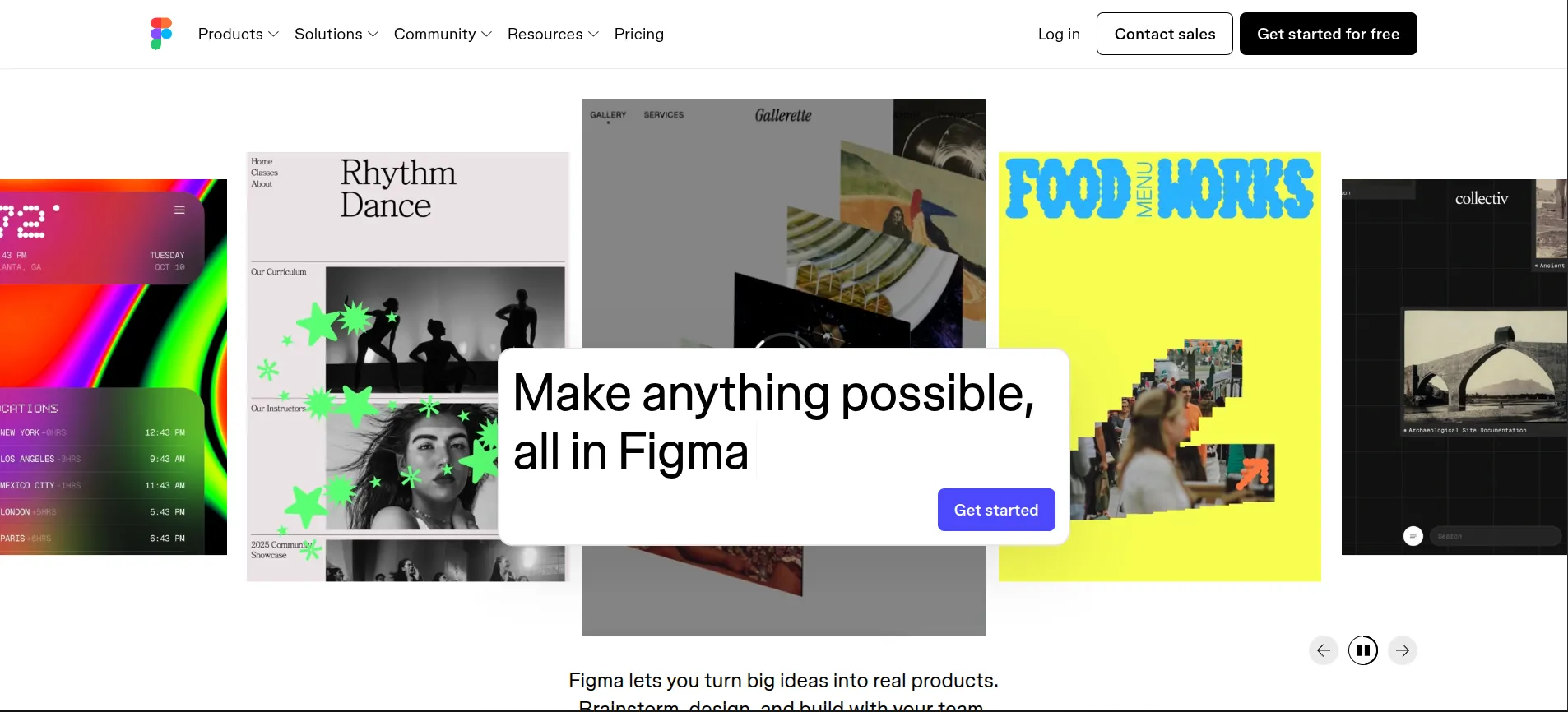
Figma has become the most widely used UI/UX design software in the world. Its browser-based collaboration system completely changed how design teams work together.
Today, Figma is far more than just a UI editor. It is a complete product design ecosystem. Figma interface showcasing UI/UX tools for collaborative design systems, prototyping, and product design workflows in 2026
What Figma Does
- UI design for websites, apps, dashboards, and SaaS products
- Real-time multiplayer collaboration
- Interactive prototyping with animations and transitions
- Auto Layout for responsive design systems
- Design tokens and component libraries
- Developer handoff with inspect mode
- AI-assisted layout suggestions and content generation
Why Figma Dominates in 2026
Figma’s AI features now accelerate repetitive design tasks like generating variants, organizing layers, and creating responsive layouts automatically.
For anyone asking “what tools do you use for UI/UX design professionally?” Figma is almost always the first answer.
Tool #2: Adobe XD – Seamless Design for Adobe Users
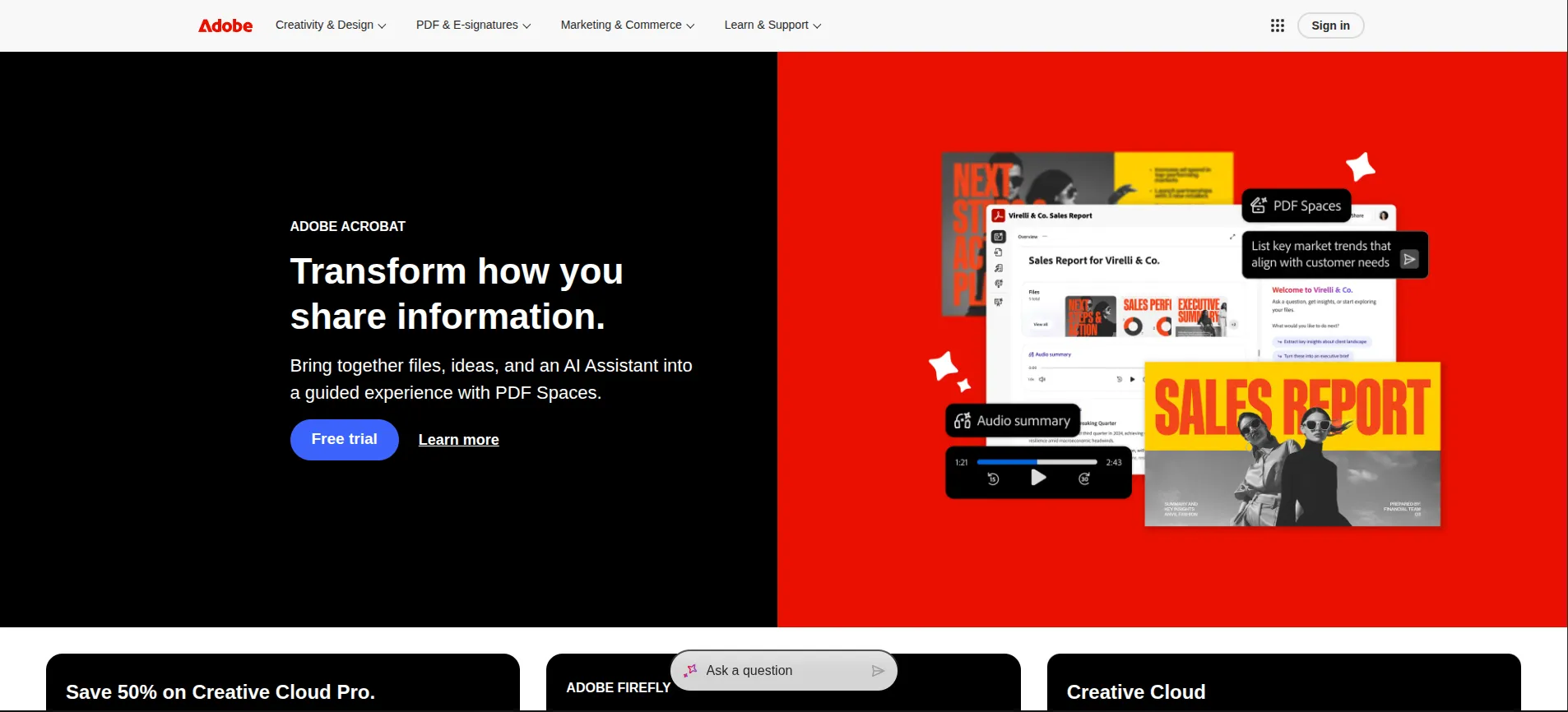
Adobe XD remains one of the best UI design software platforms for designers already working inside the Adobe ecosystem.
Its biggest strength is integration with:
- Photoshop
- Illustrator
- After Effects
- Adobe Fonts
- Creative Cloud libraries
Adobe XD dashboard showcasing UI design tools for wireframing, prototyping, and collaborative app design in 2026
Key Features
- Responsive resize layouts
- Interactive voice prototypes
- Auto-animate transitions
- Shared design systems
- Repeat Grid for scalable interfaces
- Cross-platform app prototyping
Tool #3: Framer – The Future of Interactive UI Design
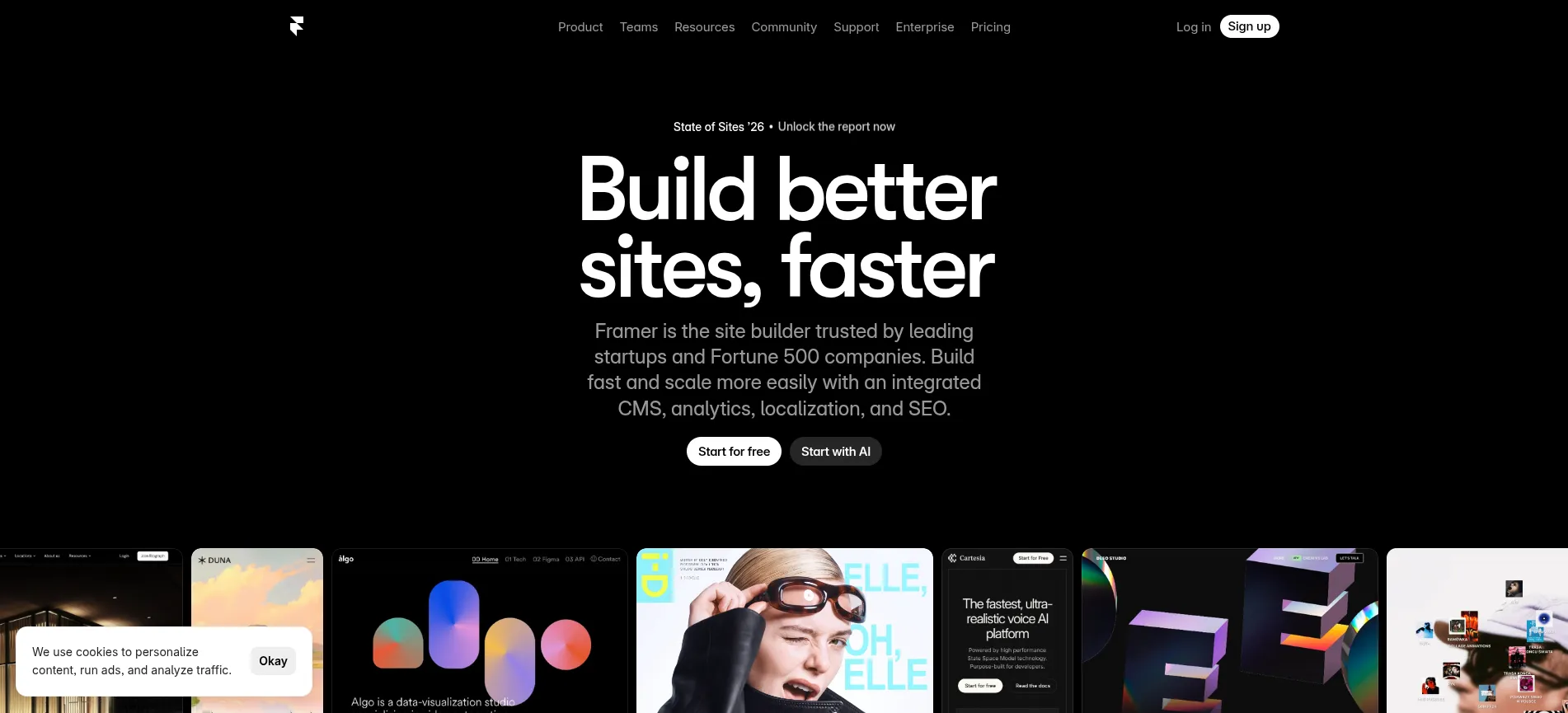
Framer has evolved from a prototyping tool into one of the most powerful AI-powered website builders for designers.
It combines:
- UI design
- Animation
- CMS
- Responsive web publishing
- AI website generation
Framer dashboard showcasing UI/UX prototyping tools and AI-powered website creation in 2026
Why Designers Love Framer
- Advanced micro-interactions
- Smooth animations
- Production-ready websites
- AI-generated layouts
- Live responsive previews
- Extremely modern UI visuals
Framer is especially popular among startup landing page designers and SaaS companies.
Tool #4: Sketch – The Tool That Defined Modern UI Design
Before Figma dominated the market, Sketch helped shape modern interface design workflows.
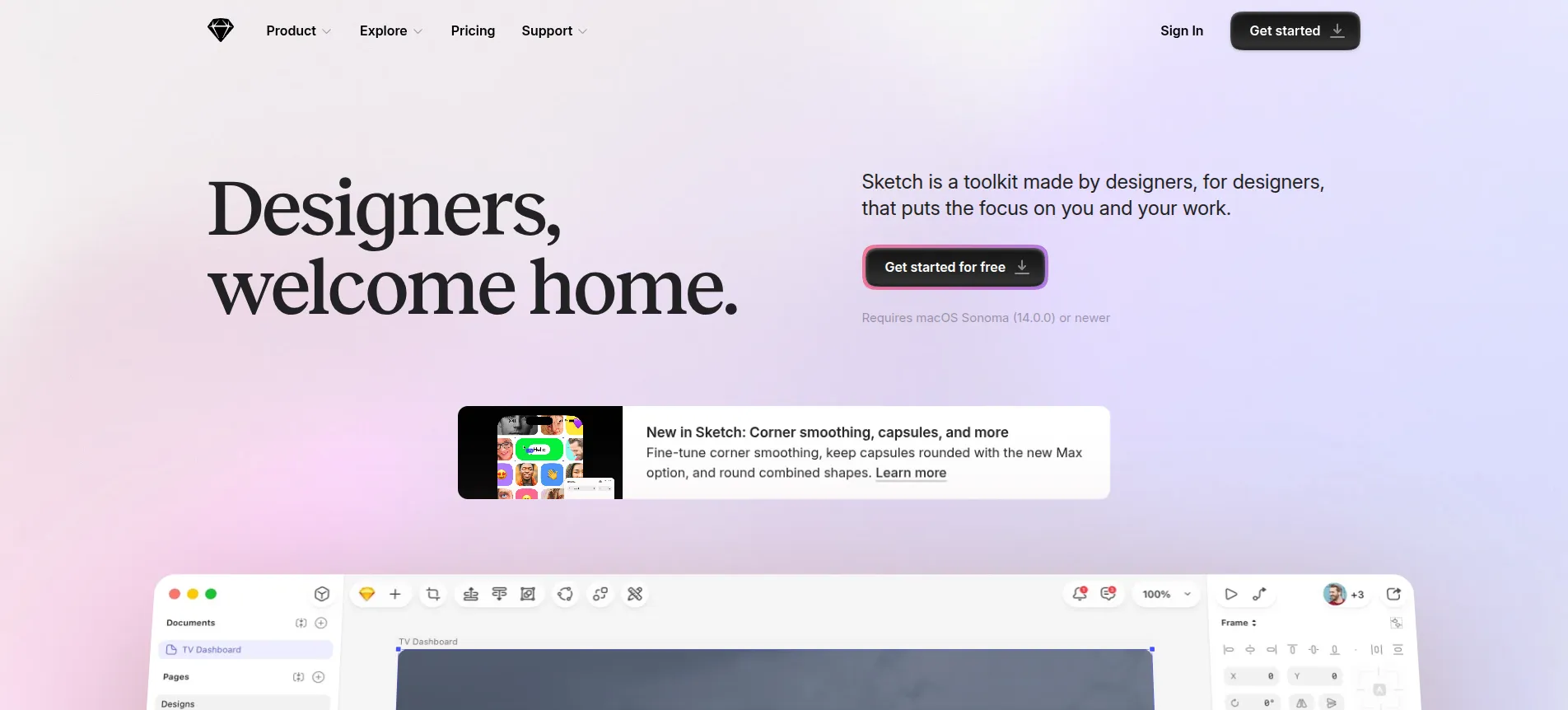
Even in 2026, many established product teams still rely heavily on Sketch. Sketch interface showcasing UI design tools for vector editing, interface layouts, and design systems in 2026
Key Features
- Lightweight vector editing
- Symbols and reusable components
- Offline-first workflow
- Design libraries
- Plugin ecosystem
- Strong design system support
Tool #5: Canva – Easy Visual Design for Everyone
Canva is not a traditional UX design tool, but it has become incredibly useful for UI visuals, presentation mockups, social graphics, and quick interface concepts.
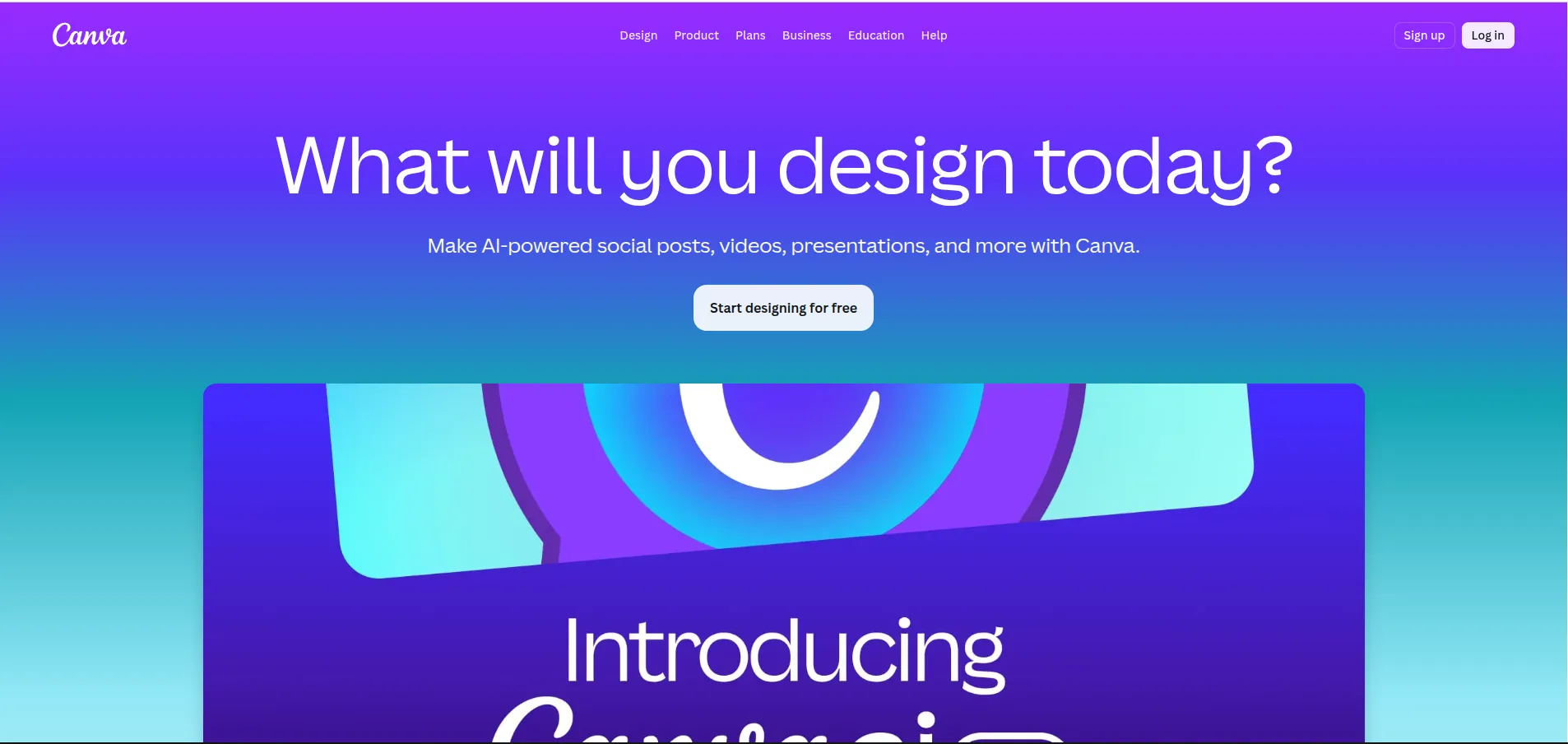
Canva dashboard showcasing free UI design tools for creating visual assets, presentations, and interface graphics in 2026
What Canva Helps With
- UI presentations
- Social media visuals
- Moodboards
- Design inspiration
- Simple wireframes
- Brand kits
- Quick visual prototypes
For beginners searching for:
- free UI design tools
- best free UI design software
- UI design tools online free
Canva is one of the easiest starting points.
Tool #6: Uizard – AI-Powered UI Design in Minutes
Uizard is one of the fastest-growing free AI tools for UI design.
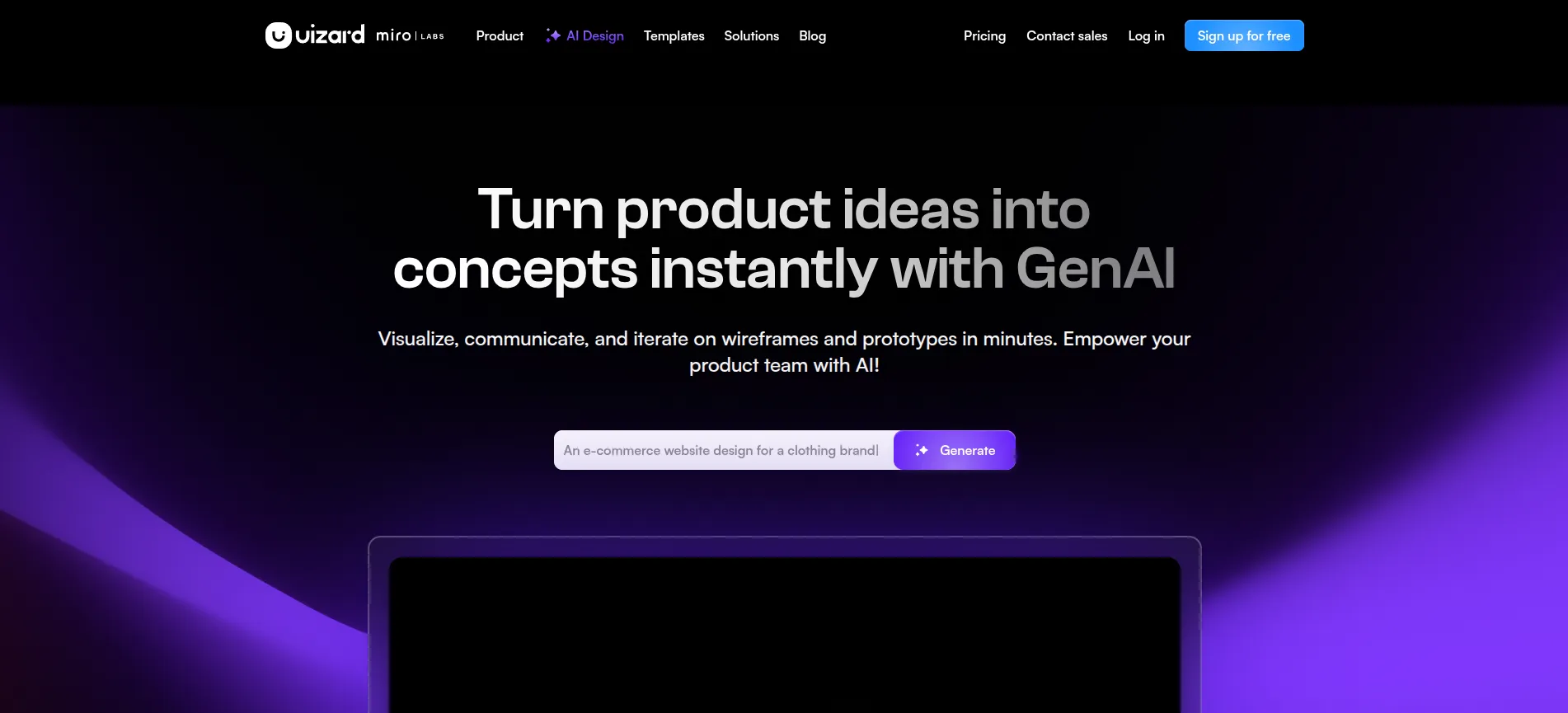
It allows users to generate interfaces from:
- Text prompts
- Hand-drawn sketches
- Wireframes
- Screenshots
Uizard interface showcasing AI-generated UI layouts and rapid prototyping workflows in 2026.
Why It Matters
AI-generated interfaces are becoming mainstream, especially for:
- MVP startups
- Product brainstorming
- Rapid testing
- Non-design teams
But designers still refine the experience manually afterward.
This directly connects to the growing discussion around:
- Will UX design be replaced by AI?
- What is the future of UI/UX design?
AI will automate repetitive production work, not strategic UX thinking.
Tool #7: Webflow – Design and Launch Without Coding
Webflow bridges the gap between design and development. Instead of simply creating prototypes, designers can build fully functional responsive websites visually.
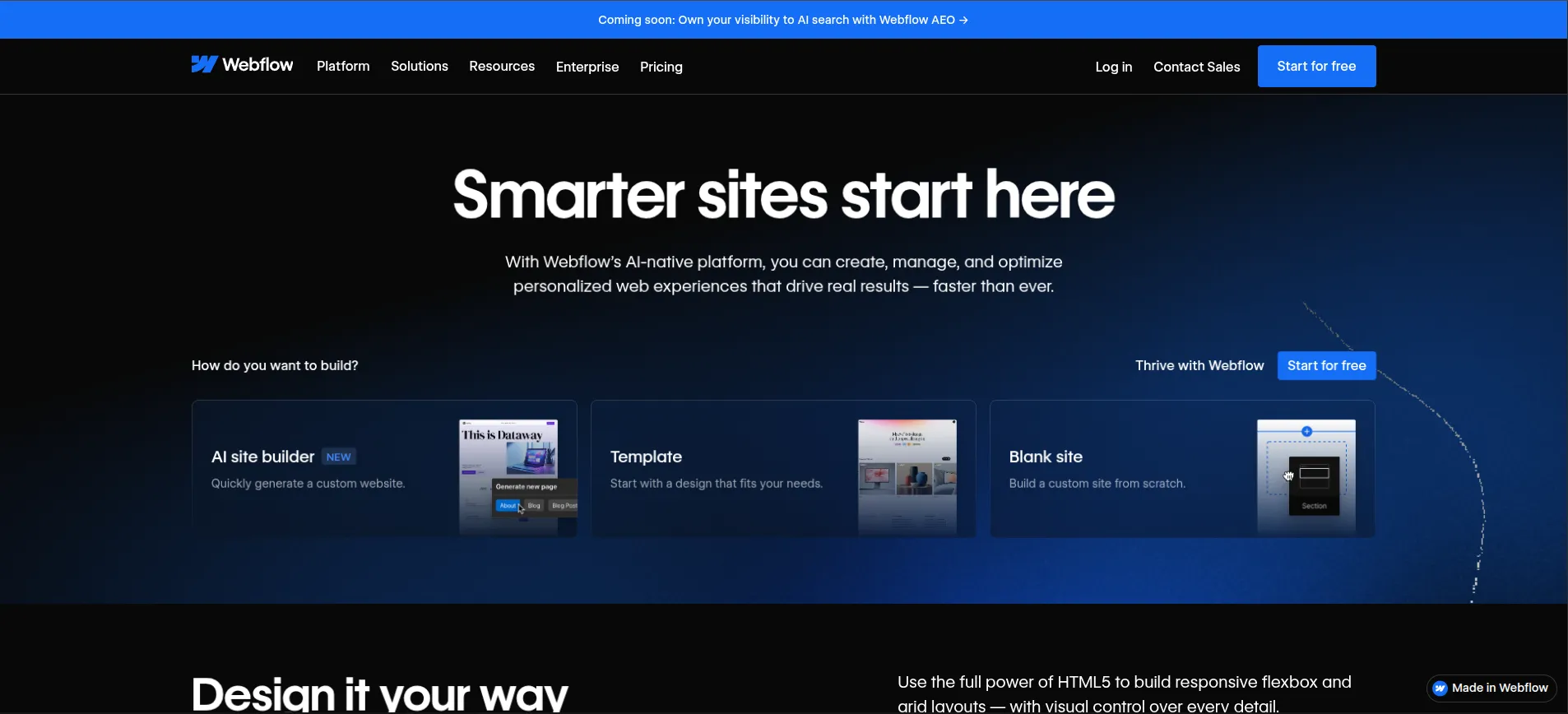
Webflow dashboard showcasing UI/UX software for responsive website design and no-code development in 2026.
What Makes Webflow Powerful
- Visual HTML/CSS generation
- CMS support
- Responsive layouts
- Animation system
- Hosting integration
- SEO controls
Webflow is now heavily used by:
- Agencies
- SaaS startups
- Freelancers
- Portfolio designers
Tool #8: ProtoPie – Realistic Product Interactions Without Code
ProtoPie is one of the best UI/UX prototyping tools for advanced interactions.
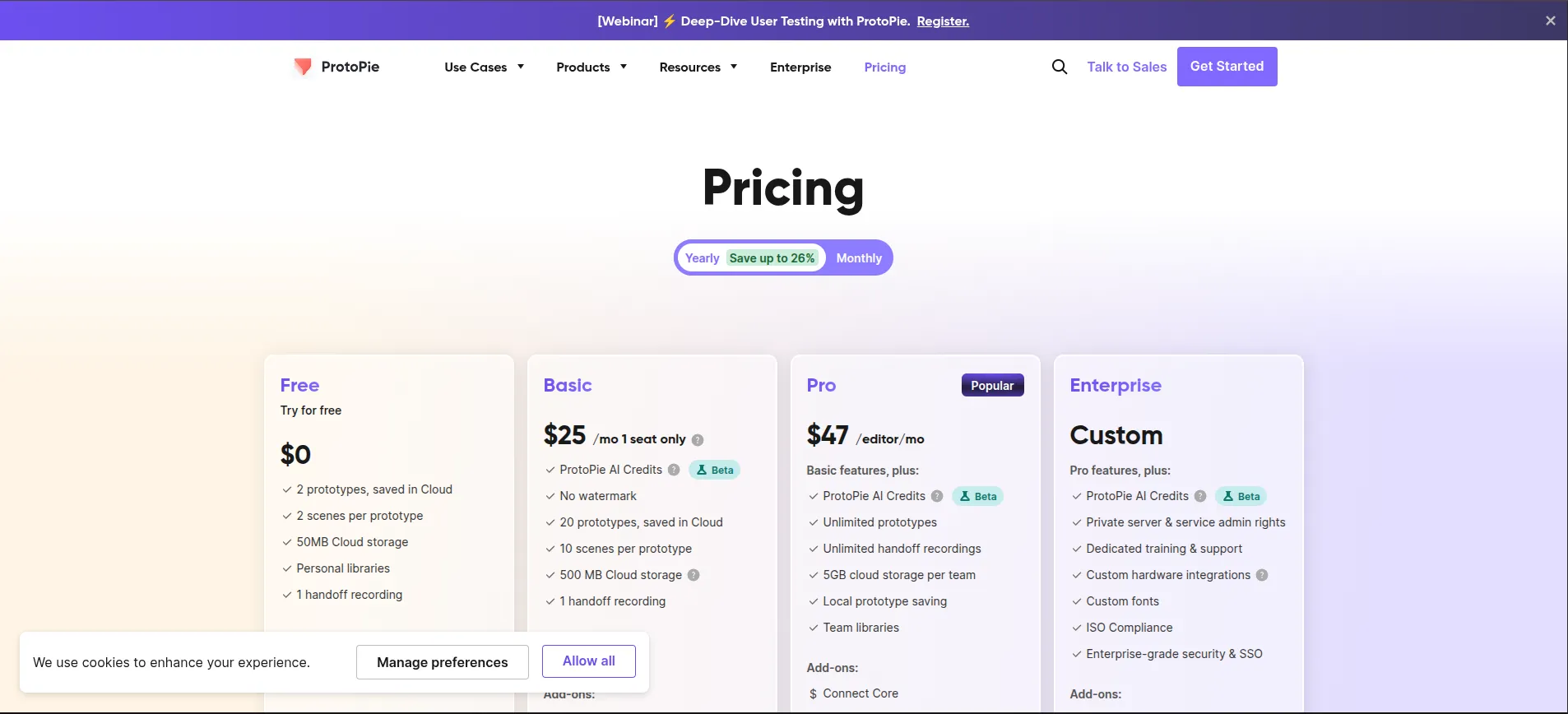
Unlike basic clickable prototypes, ProtoPie creates highly realistic user experiences. ProtoPie interface showcasing UI/UX prototyping tools for advanced mobile interactions and product simulations in 2026
Features
- Gesture interactions
- Voice interactions
- Sensors and device triggers
- Smart animations
- Real product simulations
Large product teams often use ProtoPie for:
- Automotive interfaces
- Smart devices
- Mobile app interactions
- Future product concepts
Tool #9: Maze – User Testing Built Into Your Workflow
Maze helps teams validate designs before development starts. Instead of guessing what users want, teams gather real behavioral data.
Maze dashboard showcasing UX research tools for usability testing and user behavior analysis in 2026.
What Maze Helps Measure
- Task completion rates
- User frustration points
- Heatmaps
- Click patterns
- Survey responses
- Prototype usability
This is why UX design is fundamentally more than visuals.
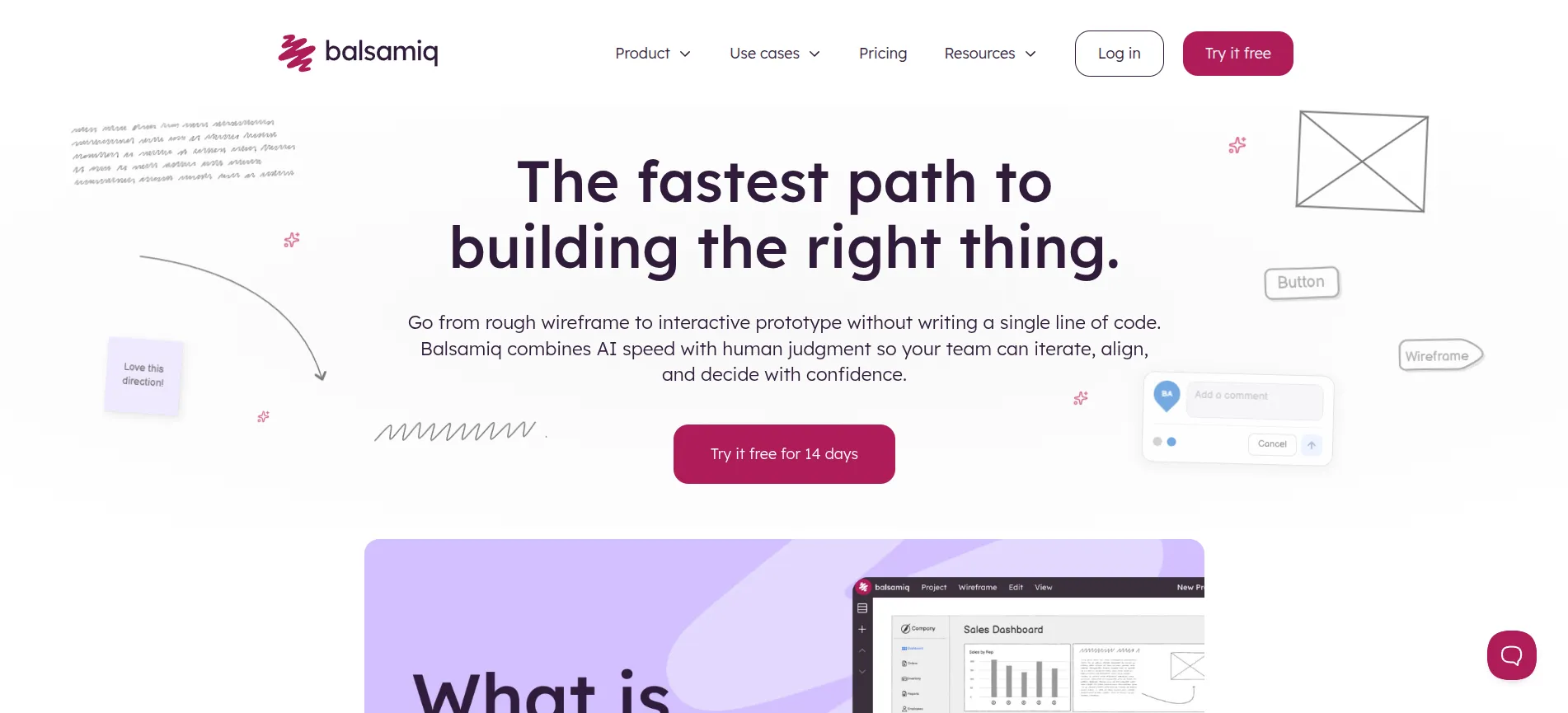
Tool #10: Balsamiq – Fast Wireframes Without Distractions
Balsamiq intentionally keeps designs rough and simple.
The goal is to focus on:
- Structure
- User flow
- Layout logic
- Functionality
Instead of getting distracted by colors or visual polish.
Balsamiq interface showcasing UI wireframing tools for early UX planning and low-fidelity interface design in 2026.
Best For
- UX workshops
- Product planning
- Early wireframes
- Team brainstorming
- User journey mapping
Tool #11: InVision – Streamlined Design Collaboration
InVision helped popularize modern prototype sharing and collaborative feedback.
Although competition increased from Figma, InVision still remains useful in enterprise review workflows. InVision dashboard showcasing UI/UX collaboration tools for feedback, prototyping, and team workflows in 2026
Features
- Clickable prototypes
- Team comments
- Developer inspection
- Design presentation boards
- Workflow collaboration
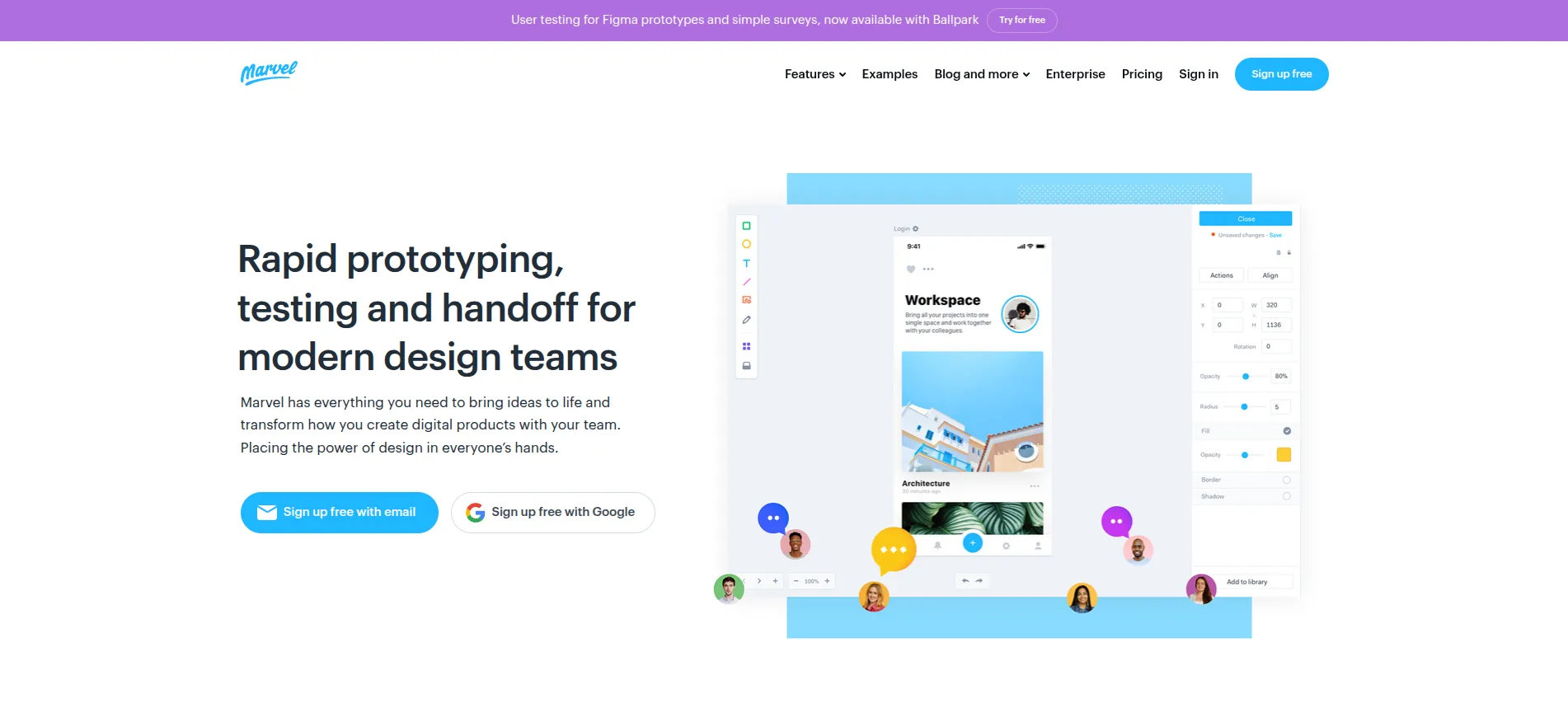
Tool #12: Marvel – Beginner-Friendly UI/UX Design
Marvel simplifies UI/UX design for non-technical users.
It combines:
- Wireframing
- Basic prototyping
- User testing
- Collaboration
Inside one lightweight platform. Marvel interface showcasing free UI/UX design tools for app prototyping and collaborative workflows in 2026
Tool #13: Penpot – The Best Open-Source UI Design Tool
Penpot has become one of the best free UI design tools open source communities rely on.
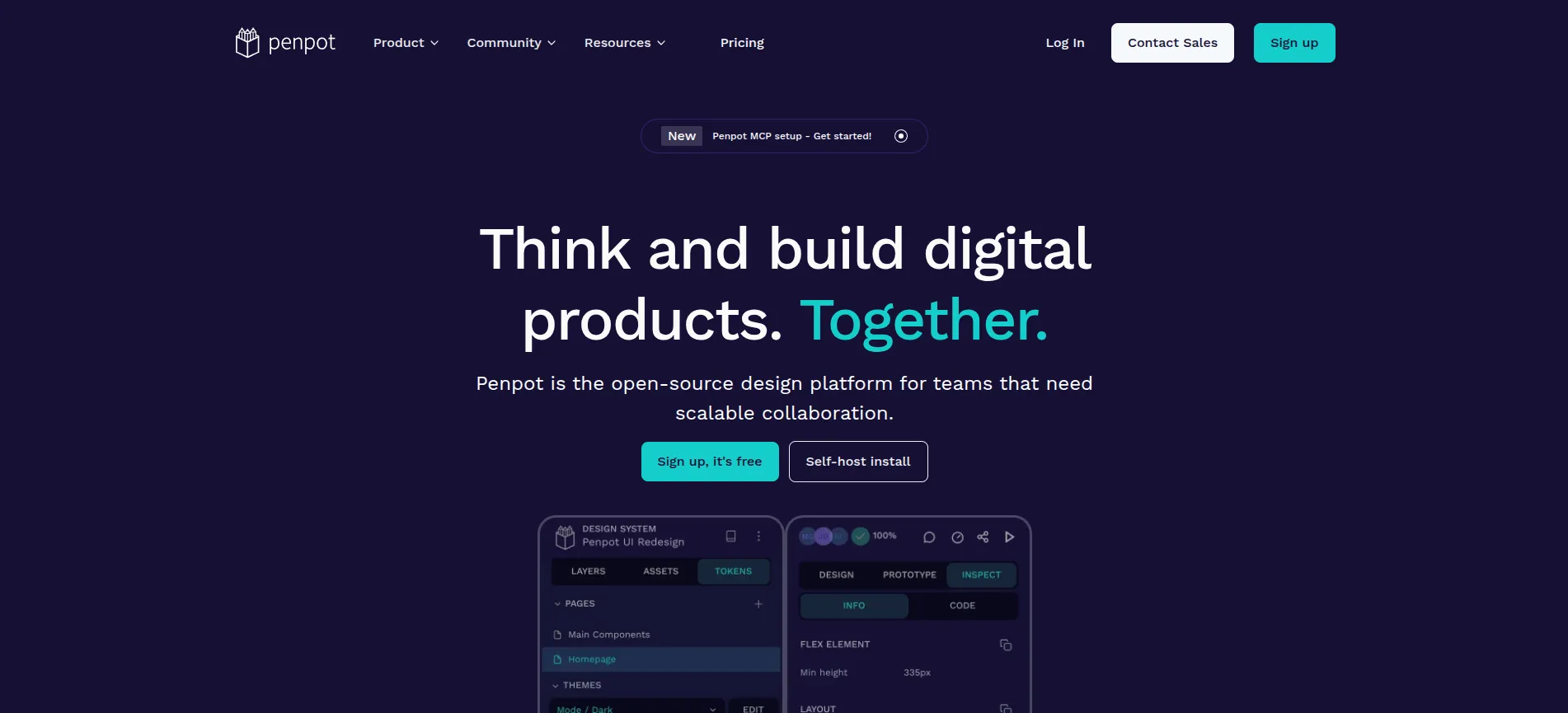
It is browser-based, collaborative, and developer-friendly. Penpot dashboard showcasing free open-source UI design software and collaborative design workflows in 2026
Why Penpot Matters
Many designers and startups now want:
- Full ownership
- Open-source workflows
- Self-hosting
- Free UI/UX software
Penpot solves all of these.
Tool #14: UXPilot AI – AI Research and UX Workflow Automation
UXPilot AI is becoming increasingly popular for accelerating UX workflows.
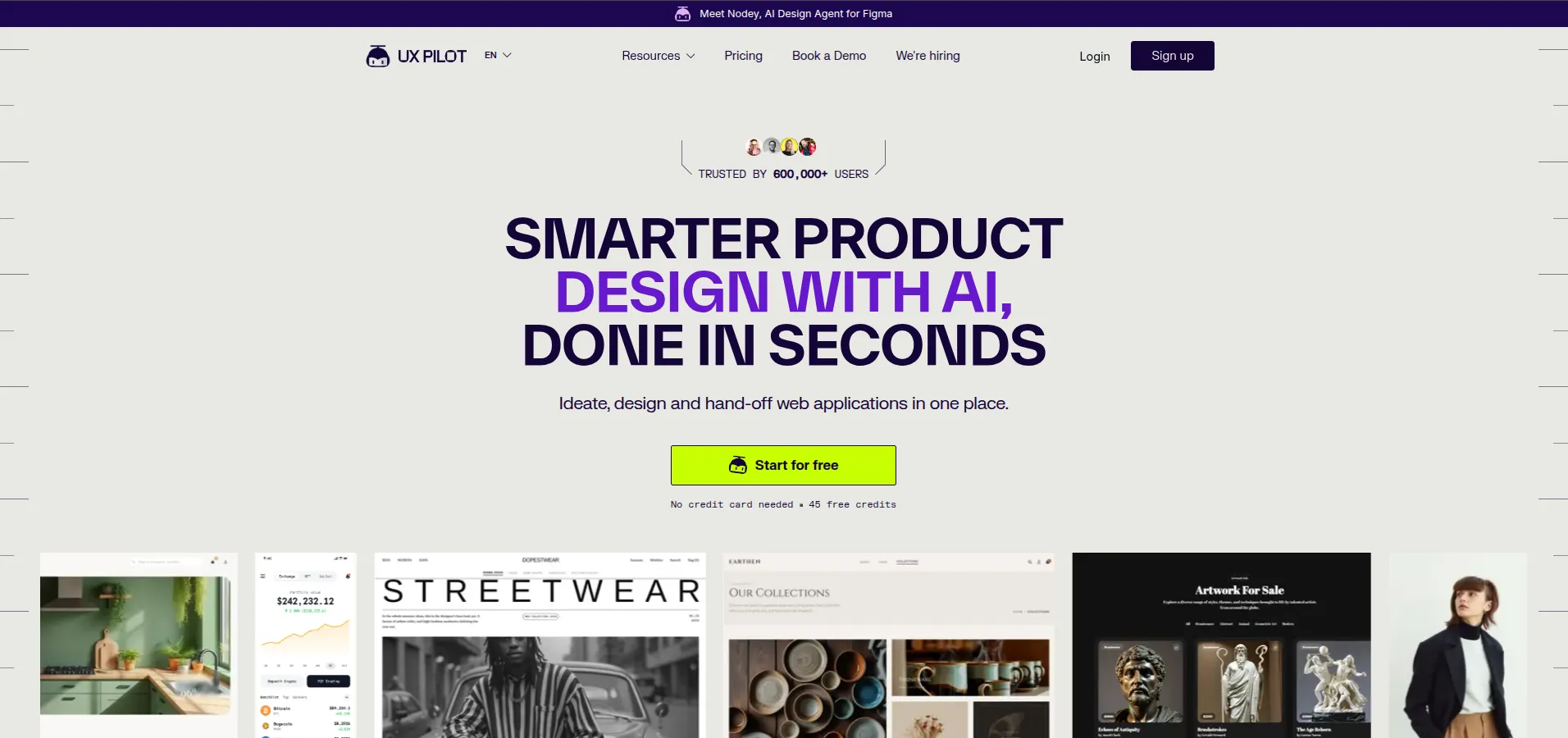
UXPilot AI interface showcasing AI-powered UX research, wireframing, and workflow automation tools in 2026
What It Helps With
- User persona generation
- UX flow mapping
- Wireframe suggestions
- Research synthesis
- AI-generated UX recommendations
This represents the growing shift toward AI-assisted UX workflows rather than fully AI-replaced designers.
Tool #15: FigJam – Collaborative Thinking for Product Teams
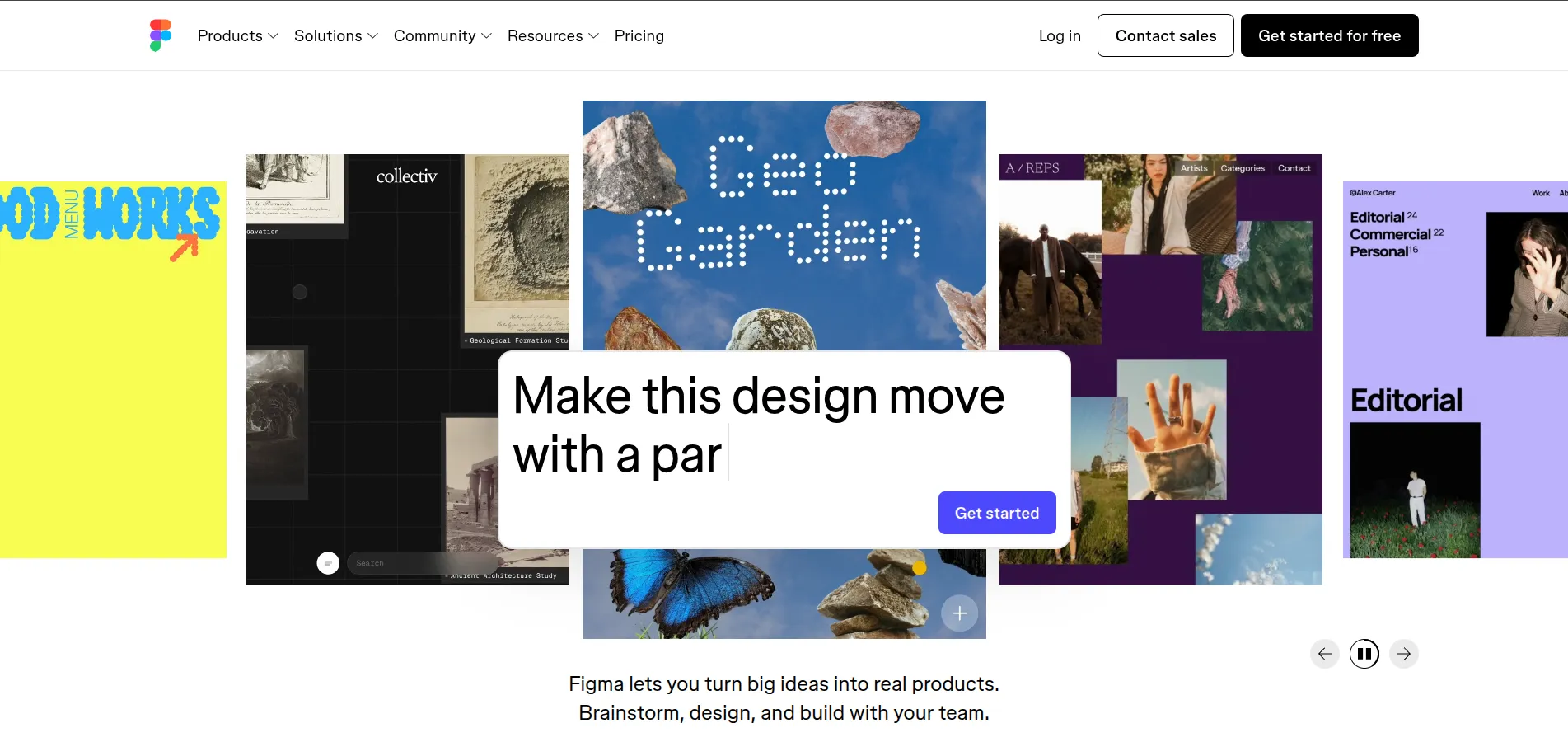
FigJam extends Figma into collaborative brainstorming and UX workshops. FigJam workspace showcasing collaborative UX brainstorming, user journey mapping, and design workshops in 2026
Popular Use Cases
- User journey mapping
- Product workshops
- Team ideation
- Affinity mapping
- Research collaboration
- UX planning sessions
5 Free UI/UX Tools Worth Learning First
If you are just getting started, these are the best free UI/UX design tools to begin with:
| Tool | Best For | Free Plan |
| Figma | Full UI/UX workflow | Yes |
| Canva | UI visuals & graphics | Yes |
| Penpot | Open-source UI design | Yes |
| FigJam | UX collaboration | Yes |
| Uizard | AI UI generation | Yes |
Tool Selection Matrix (Which UI/UX Tools to Learn in 2026)
- Beginner UI/UX Designer -> Figma + Canva + FigJam (UI design, visuals, UX basics)
- UI Designer -> Figma + Framer (UI design, design systems, interactive interfaces)
- UX Researcher -> Maze + UXPilot AI (user testing, UX research, behavior analysis)
- Startup / Freelance Designer -> Webflow + Uizard (no-code websites, rapid MVP design, AI UI generation)
Comparison Table: All 15 UI/UX Tools Side by Side
| Tool | Primary Use | Free Plan | Best For | Starting Price |
| Figma | UI/UX Design | Yes | Professional teams | $15/mo |
| Adobe XD | Prototyping | Limited | Adobe users | CC pricing |
| Framer | Interactive websites | Yes | Startups | $10/mo |
| Sketch | Mac UI design | No | macOS designers | $10/mo |
| Canva | UI visuals | Yes | Beginners | $15/mo |
| Uizard | AI UI generation | Yes | MVPs | $12/mo |
| Webflow | No-code websites | Yes | Agencies | Variable |
| ProtoPie | Advanced prototyping | Trial | Interaction design | $25/mo |
| Maze | UX testing | Yes | Researchers | $99/mo |
| Balsamiq | Wireframing | Trial | Early planning | $9/mo |
| InVision | Collaboration | Yes | Enterprises | Variable |
| Marvel | Simple prototyping | Yes | Beginners | Variable |
| Penpot | Open-source UI design | Yes | Open-source teams | Free |
| UXPilot AI | AI UX workflows | Freemium | AI-first teams | Variable |
| FigJam | Collaboration | Yes | Workshops | Free |
UI Kit Examples Designers Use Daily
UI kits are reusable collections of:
- Buttons
- Forms
- Navigation components
- Cards
- Icons
- Typography systems
Popular UI kit examples include:
- Material Design
- iOS Human Interface Kit
- Tailwind UI
- Untitled UI
- Ant Design
- Flowbite
Using UI kits dramatically speeds up product design consistency.
Will UX Design Be Replaced by AI?
No, but the role is evolving rapidly.
AI is replacing repetitive production tasks like:
- Basic wireframes
- Layout suggestions
- Content placeholders
- Simple visual generation
However, AI still struggles with:
- Human psychology
- Emotional design
- Accessibility thinking
- Strategic UX decisions
- User empathy
- Complex interaction design
The future belongs to designers who combine:
- UX thinking
- AI workflows
- Research skills
- Product strategy
- Systems thinking
The future of UI/UX belongs to designers who understand both human behavior and AI-assisted workflows.
If you want to build practical, job-ready UI/UX skills, join SkillShikshya’s professional UI/UX course in Nepal and gain hands-on experience with modern design tools and real-world projects.
What Is the Future of UI/UX Design?
The future of UI/UX design is moving toward:
- AI-assisted workflows
- Voice interfaces
- AR/VR experiences
- Personalized interfaces
- Motion-first interactions
- Accessibility-first systems
- No-code product development
UI/UX is no longer just about making screens look attractive.
It is now deeply connected to:
- Business growth
- Conversion optimization
- Product strategy
- Behavioral psychology
- Customer retention
Want to prepare for the future of UI/UX design step by step?
Follow our complete UI/UX roadmap for beginners to learn the skills, tools, design principles, and workflows needed to build a successful UI/UX career in 2026 and beyond.
How to Choose the Right UI/UX Tools
Start by identifying your workflow needs—whether you focus on UI design, UX research, prototyping, or no-code development—and choose tools that best support those tasks instead of trying to learn everything at once.
Start With Your Workflow
Choose tools based on what you actually need:
- Wireframing ->Balsamiq
- UI Design -> Figma
- Prototyping -> ProtoPie
- Research -> Maze
- Website Building -> Webflow
- AI Assistance -> Uizard
Conclusion
The best UI/UX tools in 2026 are not simply the platforms with the most features.
The right tools are the ones that:
- Match your workflow
- Improve collaboration
- Help you think better
- Speed up iteration
- Create better user experiences
Figma remains the industry standard, while AI-powered platforms like Uizard and UXPilot AI are transforming how designers approach wireframing, research, and rapid prototyping. At the same time, tools like Framer and Webflow are reshaping how modern digital products are designed and launched.
Most importantly, UI/UX design is not disappearing because of AI.
Instead, the industry is evolving into a more strategic, research-driven, and systems-focused profession where designers who understand both human behavior and AI-assisted workflows will have the biggest advantage.
If you are just starting out, following a complete UI/UX roadmap for beginners can help you avoid common mistakes and learn the right skills in the correct order.
And if you want hands-on experience with real-world projects, modern UI/UX workflows, and portfolio development, SkillShikshya(Best IT Training Institute In Nepal) offers practical training designed to help beginners build industry-ready UI/UX skills and strong portfolio projects through its professional UI/UX course in Nepal.
You can also explore:
- what UI/UX design actually means
- how to start a career in UI/UX design
- UI/UX career opportunities in Nepal
to build a stronger foundation before choosing your specialization and tools.
Frequently Asked Questions
What are the best UI/UX tools in 2026?
What are the best free UI/UX design tools?
What tools do professional UI/UX designers use?
Will UI/UX design be replaced by AI?
Is UI/UX still in demand in Nepal?
Where can I learn UI/UX design in Nepal?
About Author: